Font Generator
Generate fancy, cool, and stylish Unicode text you can copy and paste into supported apps and websites. This tool transforms regular letters into Unicode characters rather than creating an installable font file. Type your text below, choose a style, and preview it in profiles, games, names, and messages.
Generate styled text
See Your Text in Use
See how this style could look in profiles, games, names, and messages.
Gaming / Pet Name
Pet name or game profile
Instagram Bio
Bio or display name

TikTok Profile
Display name or bio
@yourprofile 𝔸𝕝𝕖𝕩 Discord Profile
Display name or status
LinkedIn Profile
Name or professional headline
Messages & Chat
Use styled text in a message
Appearance and availability of these styles can vary by app, device, and platform. If some characters show as squares, that style may not be supported there.
Want to Create an Actual Font?
Copy-and-paste font generators use Unicode characters. They don't create an installable font file.
MakeYourOwnFont lets you draw your own letters and generate a real TTF font that you can install and use in Canva, Word, Cricut, and other apps.
Create My Own FontWhat Is a Font Generator?
The term commonly describes a tool that transforms normal characters into visually different Unicode characters. You can often copy and paste these styles into Instagram, TikTok, Facebook, Discord, usernames, bios, messages, and other platforms that support them.
These are styled characters rather than a new font file. Their appearance and availability can vary by app, browser, and device.
Preview Styled Text in Real-World Contexts
Choosing a style is easier when you can see it in context. Select any generated result above to preview the same Unicode text as a gaming or pet name, social bio, community profile, professional profile, and chat message. You can also change the avatar to compare different profile looks without retyping your text.
These previews are visual examples rather than direct integrations with third-party platforms. Character appearance and support can vary by app, browser, and device, so copy your chosen text and test it wherever you plan to use it.
Font generator vs. real font maker
Font Generator
Type → Generate → Copy/Paste
Best for styled text in supported social profiles and messages.
Real Font Maker
Draw Letters → Build Font → Download TTF
Create your own installable font for design, branding, products, and client work.
Explore the Font MakerReady to draw now? Open Studio. Looking for another focused utility? Explore all font tools.
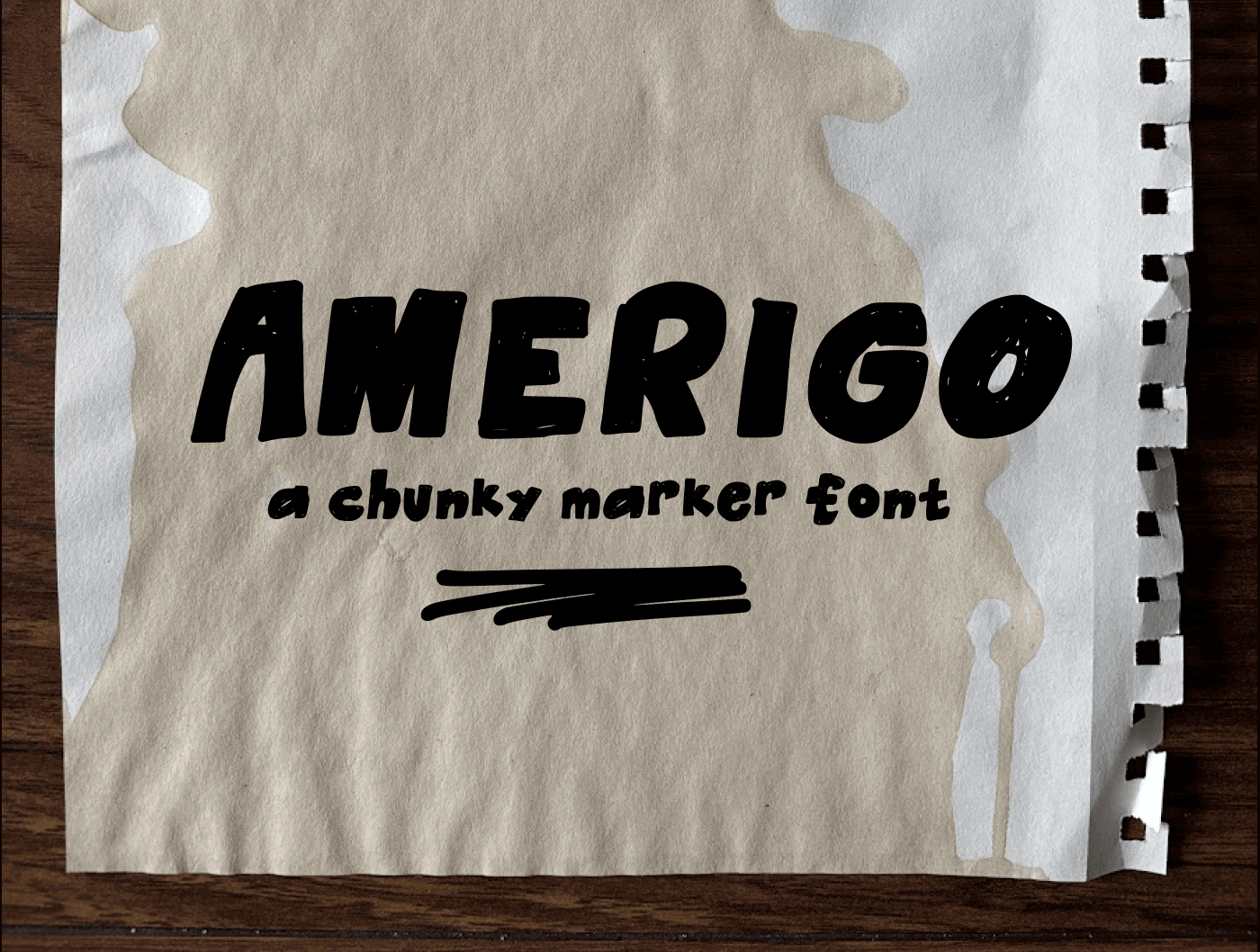
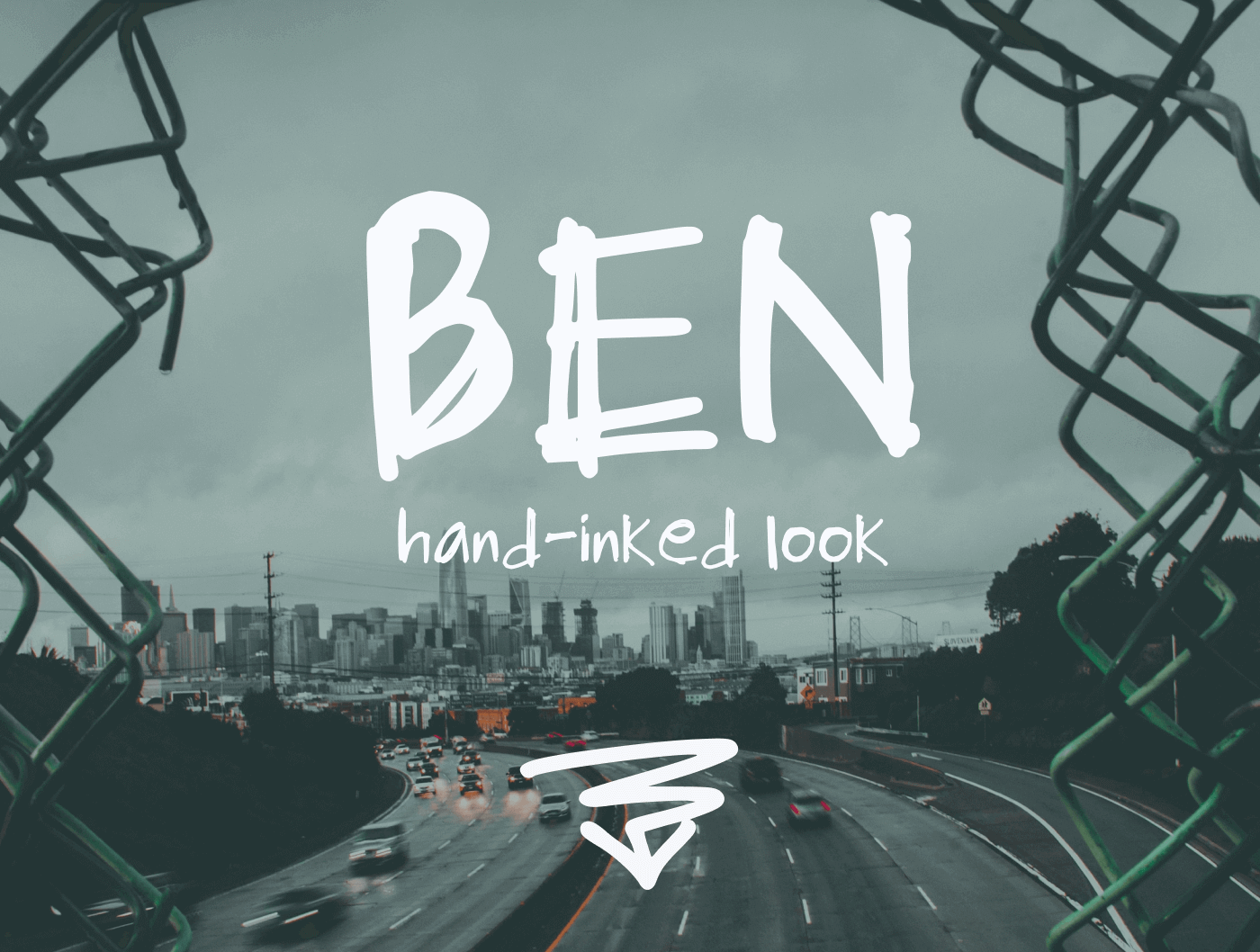
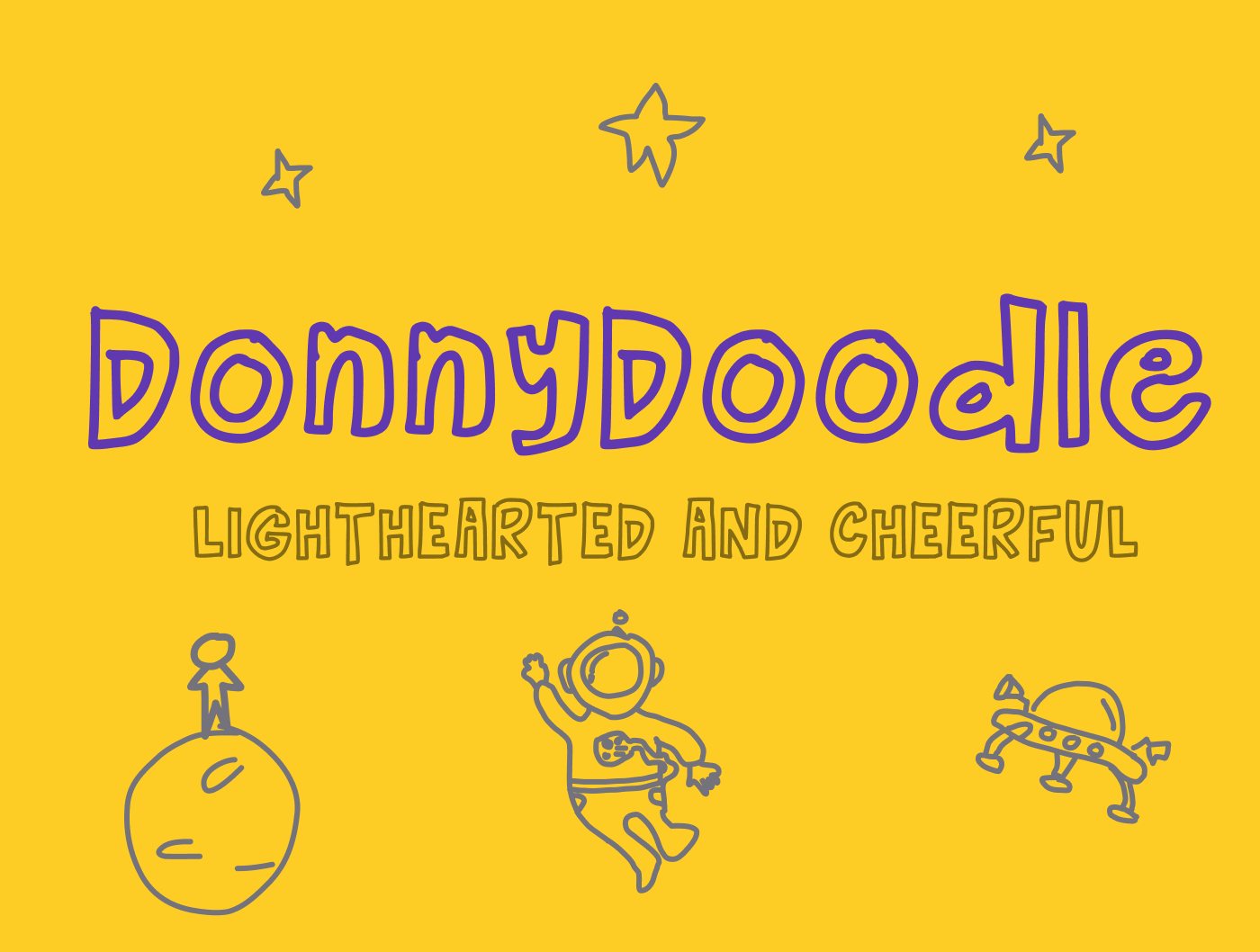
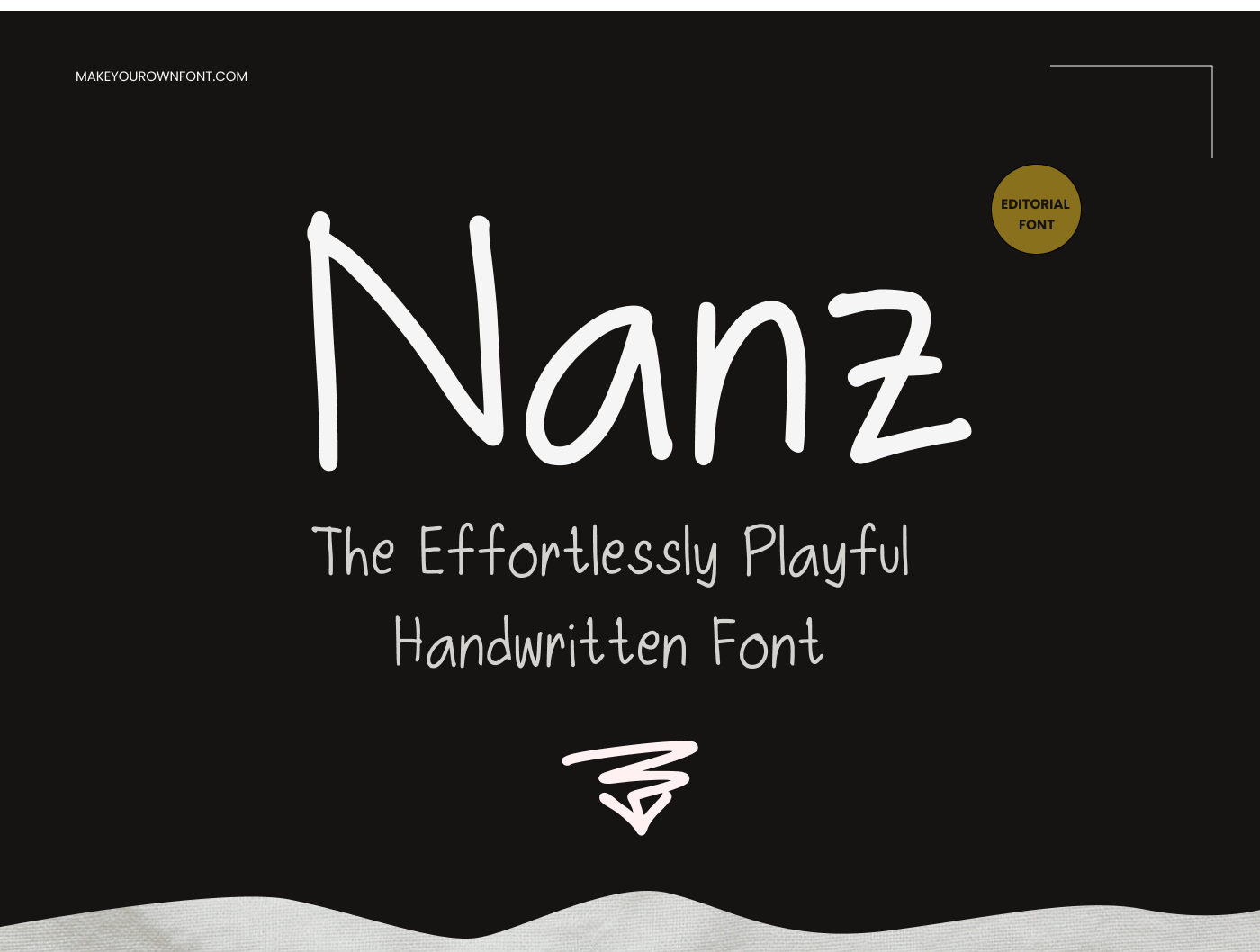
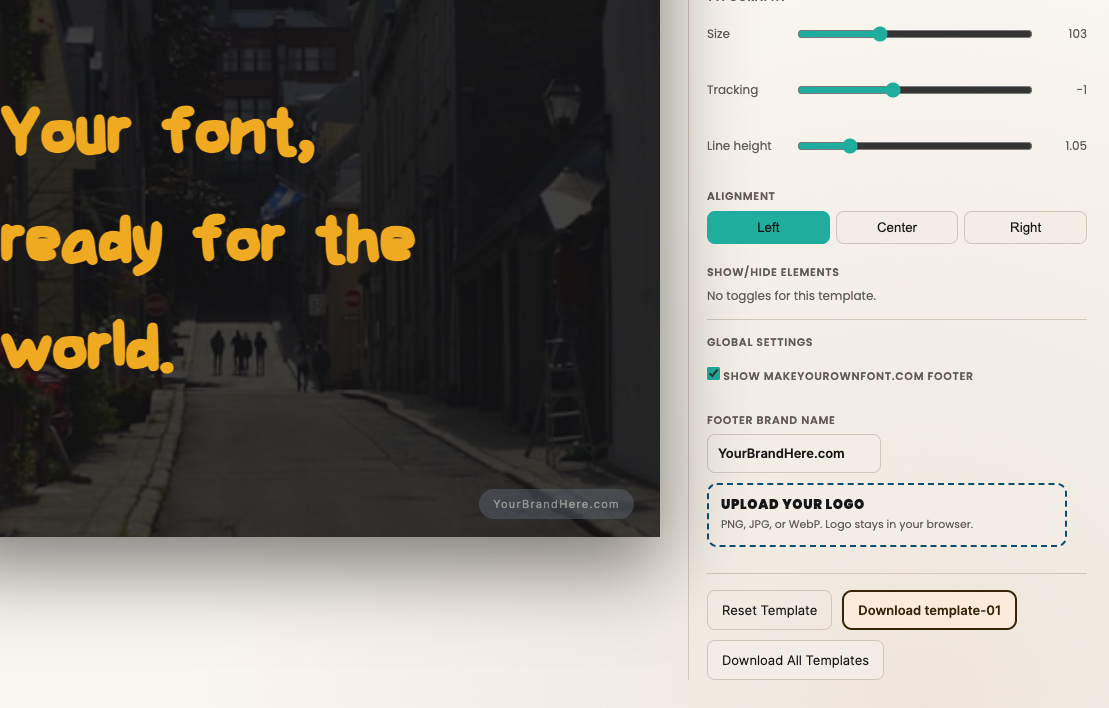
Real Fonts Created With This Tool
See what’s possible when users move from preview to full creation.
Frequently Asked Questions
What is a font generator?
A font generator commonly refers to a tool that converts normal text into styled Unicode characters that you can copy and paste into supported apps and websites.
Is this font generator free?
Yes. You can generate and copy as many text styles as you like without creating an account.
What is Unicode styled text?
Unicode styled text uses distinct Unicode characters that resemble bold, script, circled, fullwidth, and other visual styles. Because the style is part of the characters rather than a CSS font, it remains when copied into apps that support those characters. It does not create or install a new font file.
Can I copy and paste the generated text?
Yes. Each result contains real Unicode characters, so the style remains part of the copied text when the destination supports those characters.
How do I preview styled text before copying it?
Select any generated style to see your text update instantly in gaming, profile, bio, professional, and message mockups. You can also choose a different avatar for the profile previews without retyping your text.
Will every Unicode style look the same on every platform?
No. Character appearance and availability can vary by app, browser, device, and platform. If a style displays as squares or missing characters, choose another style and test it in the app where you plan to use it.
Are these actual fonts?
The generated styles use Unicode characters rather than creating a new font file. If you want an actual installable font, use MakeYourOwnFont's Font Maker to design your letters and generate a TTF.
How do I create a real font?
Open the Font Maker, draw your own letters, build the character set, and download the result as an installable TTF font file.