Free Instagram Carousel Maker
Turn text into editable Instagram carousel posts, use your own TTF or OTF font or background image, preview the sequence on an iPhone, and download every slide as a high-resolution PNG.
Slide 1 / 7
What is an Instagram carousel?
An Instagram carousel is a single post with multiple images that people swipe through in order. Carousels are useful when one image is not enough: you can introduce an idea, explain it over several short slides, and finish with a conclusion or next step.
How to make an Instagram carousel
- Choose the Simple or Quotes carousel template.
- Paste longer copy and turn it into short, readable slides.
- Rewrite and drag text or illustrations directly on the canvas.
- Use a preset or upload your own font and carousel background image.
- Drag the slide thumbnails to arrange the final sequence.
- Check the iPhone preview and download every PNG in one ZIP.
Recommended carousel dimensions
This maker uses the Instagram portrait format: 1080 × 1350 pixels, or a 4:5 aspect ratio. Every exported slide uses those exact dimensions, so the full set remains consistent.
Turn text into carousel slides
Use the text generator when you already have a caption, note, or short story. It prefers paragraph and sentence boundaries, keeps slides concise, and leaves every result editable.
Preview the carousel before posting
Open the iPhone preview to see how the selected slide will look inside an Instagram-style post. Move through the full sequence to check text size, visual consistency, and the order of your story.
Use your own carousel background
Upload a PNG, JPEG, or WebP image to use one consistent background across the carousel. It stays visible while editing, in the iPhone preview, and in every exported 1080 × 1350 PNG.
Simple carousel design tips
- Keep each slide focused on one thought.
- Use large type and leave comfortable space around the text.
- Choose one visual style and repeat it across the whole carousel.
- Use a quiet background image that preserves strong text contrast.
- Use each illustration to support the point of the slide rather than adding decoration everywhere.
- Preview the full sequence before downloading.
Want your carousel to use your own lettering?
Create an installable handwriting font in MakeYourOwnFont Studio, upload the TTF or OTF file here, and use the same lettering across social posts, brand graphics, packaging, and other creator projects.
Instagram carousel maker FAQ
What is an Instagram carousel?
An Instagram carousel is one post containing several images that people can swipe through. It works well for stories, tips, lists, tutorials, and short visual essays.
What size should an Instagram carousel be?
This tool exports portrait slides at 1080 × 1350 pixels, a 4:5 format that uses more vertical space in the Instagram feed while remaining easy to read.
Can I turn pasted text into carousel slides?
Yes. Paste your text and the maker will split paragraphs and sentences into short slides. You can rewrite, move, reorder, duplicate, or delete every slide before downloading.
Can I use my own font in an Instagram carousel?
Yes. Upload a TTF or OTF font and it will be applied across the carousel and included in the exported PNG images. The font is loaded in your browser and is not sent to our server.
Can I upload my own carousel background image?
Yes. Upload a PNG, JPEG, or WebP background and apply it consistently across every slide. The image appears in the editor, iPhone preview, and downloaded PNG files.
Does this carousel maker upload my content?
No. The editor runs in your browser. Your text, fonts, and background images stay on your device, and the PNG files are created there before being packaged into a ZIP.
Can I edit each carousel slide separately?
Yes. Select a slide to edit and drag its text or illustrations directly on the canvas. Template, font, and background choices apply consistently across the carousel.
Can I preview my carousel before downloading?
Yes. The iPhone preview shows each finished slide inside an Instagram-style post so you can check the sequence and readability before exporting.
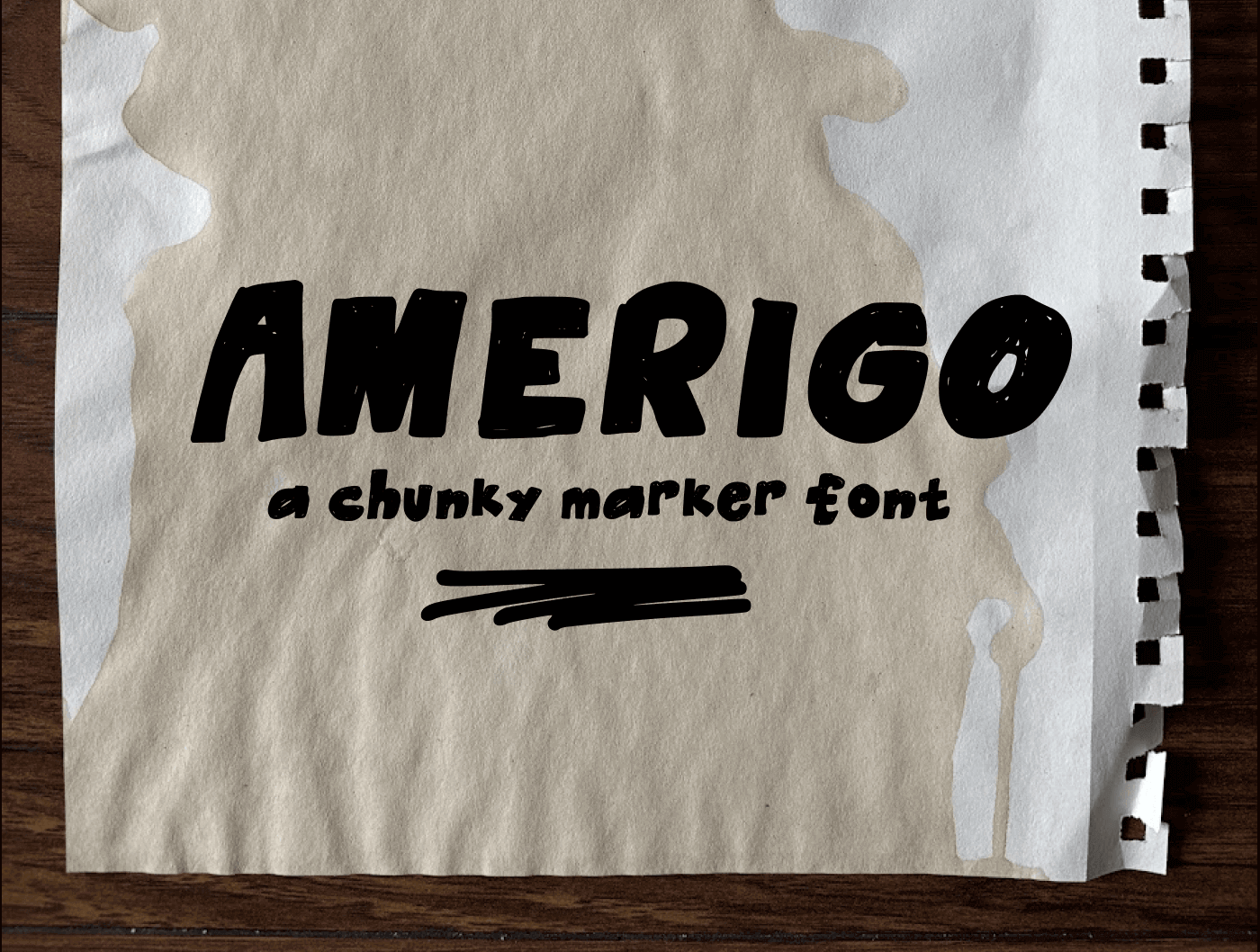
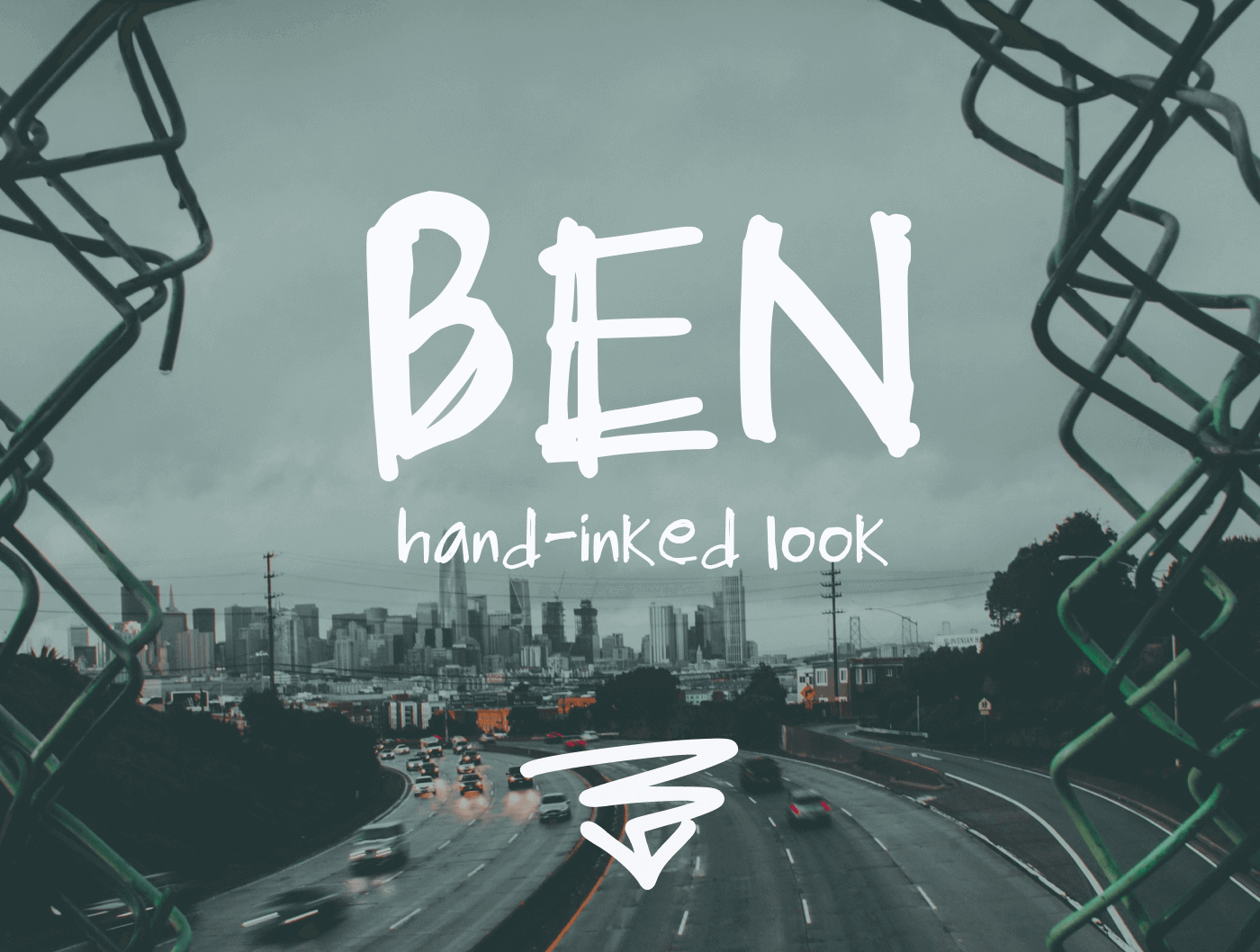
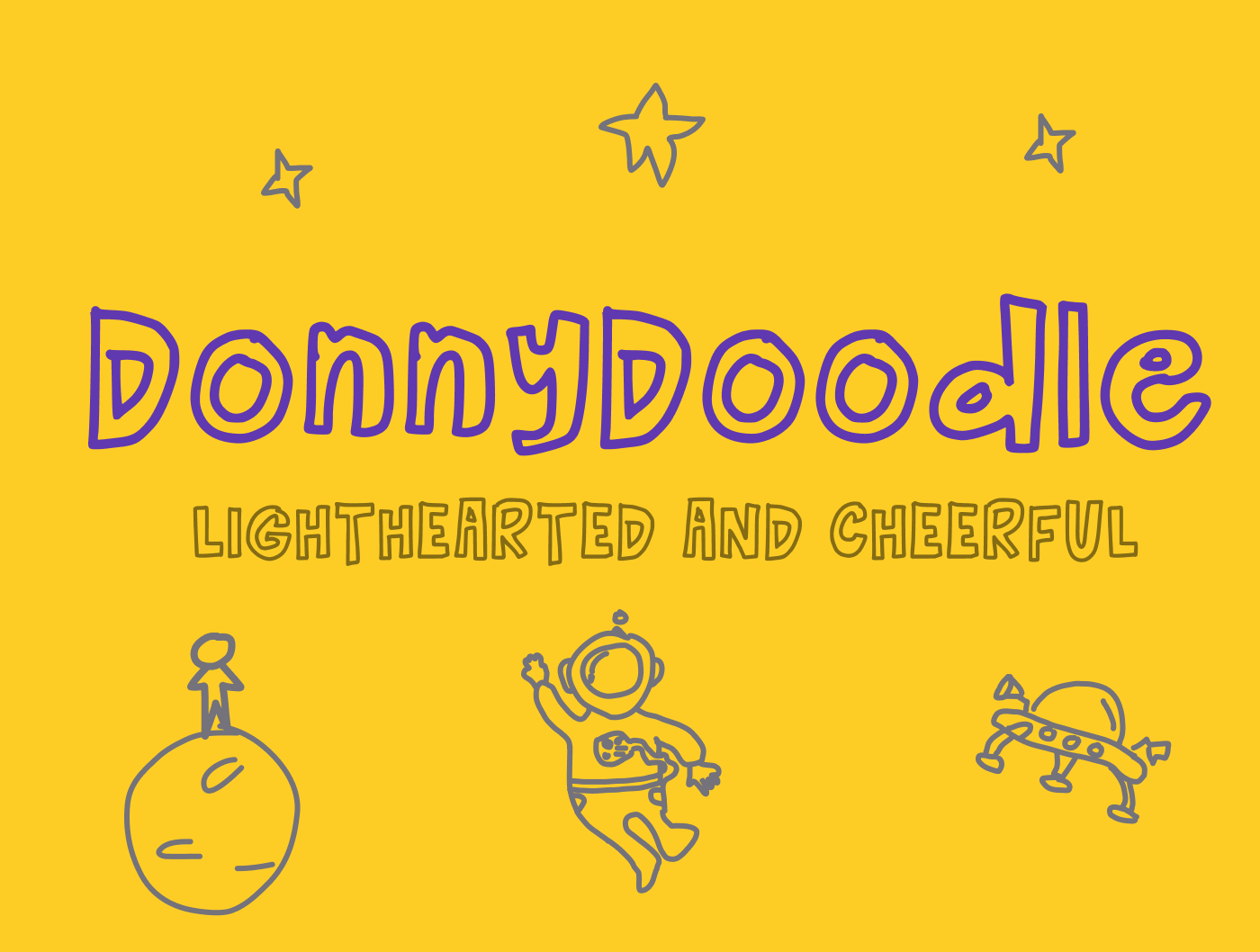
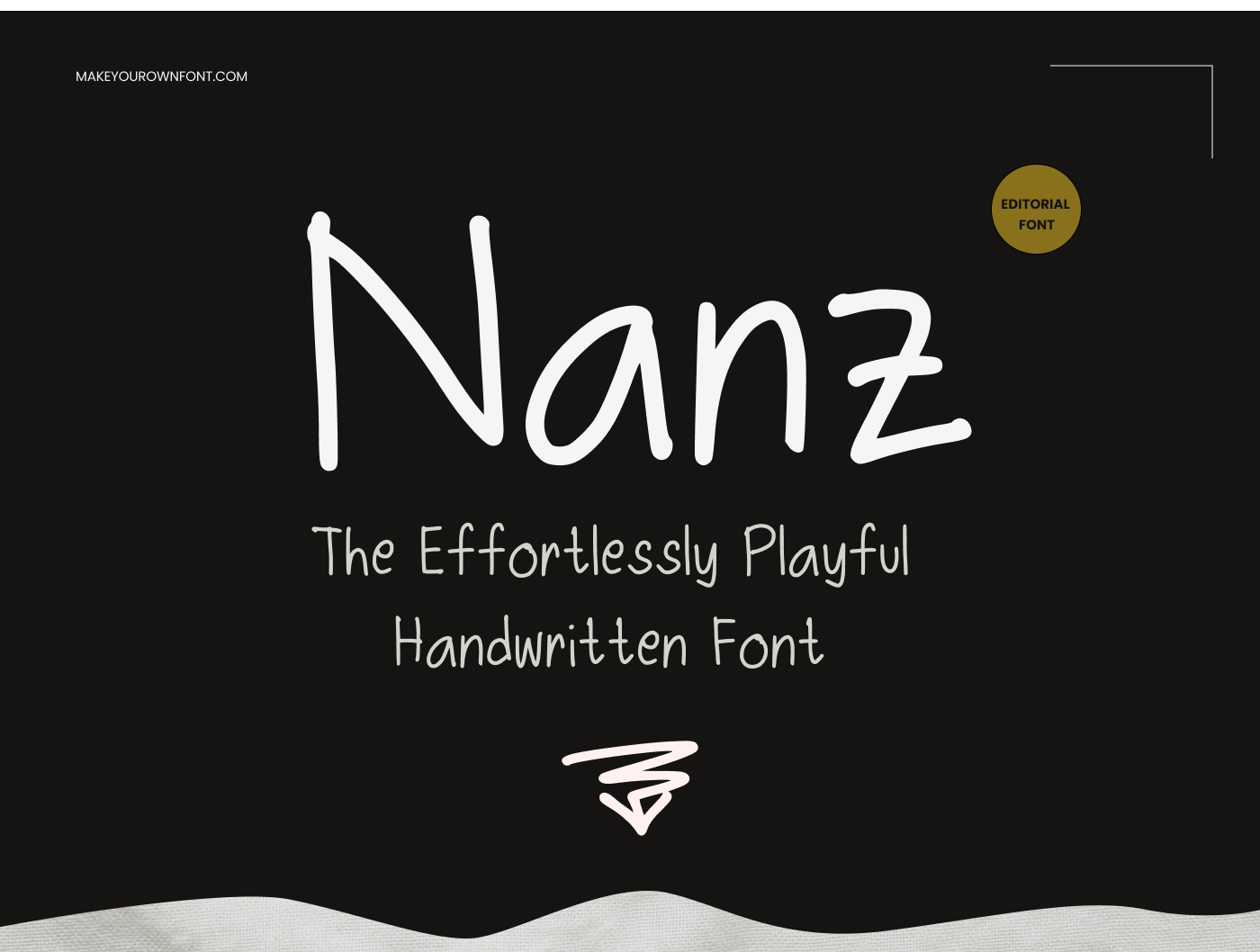
Fonts Created With This Tool
See what’s possible when users move from preview to full creation.