🩹
Fix messy letters without redrawing your whole font
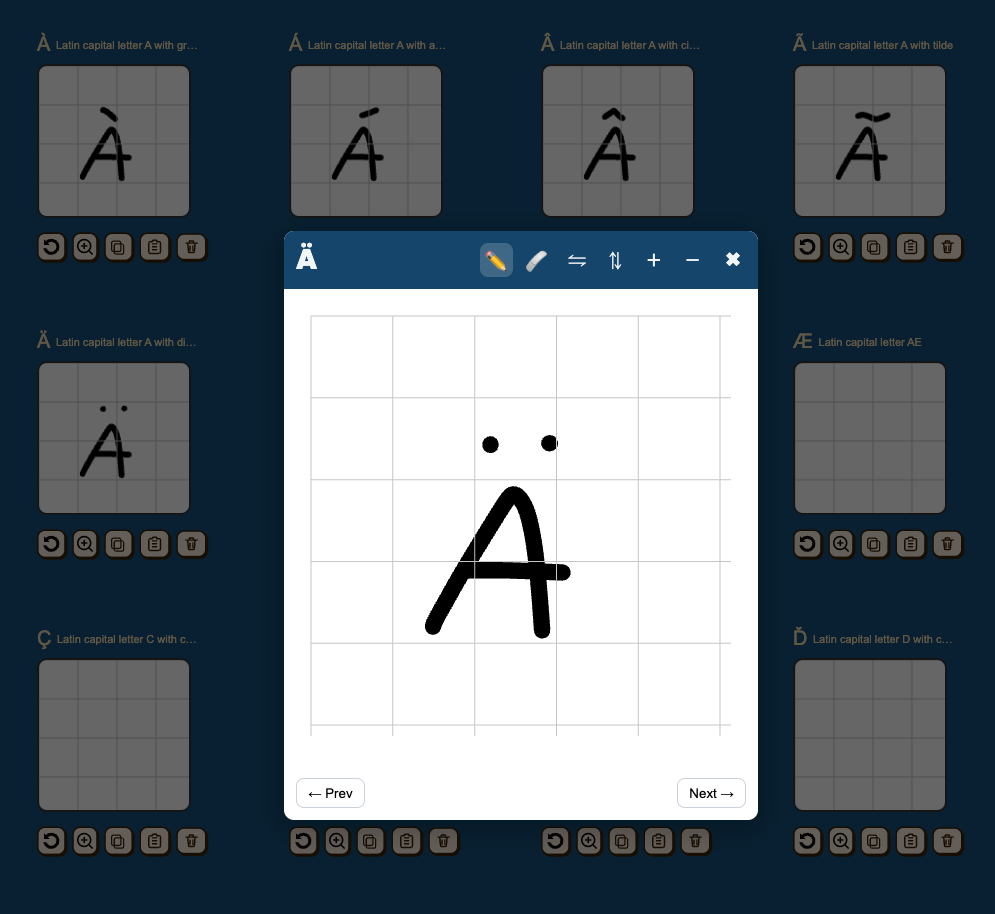
Zoom in, erase small mistakes, and clean up rough edges so one bad stroke does not ruin the entire character.
Free gets you a basic font. Premium gives you the tools to clean it up, expand it, save your projects, and finish a font you can actually use for branding, Etsy products, packaging, client work, or digital downloads.
Featured on GotPrint MakeYourOwnFont was included in their handwriting font guide. Read the feature →
Premium is not about extra buttons. It is about finishing a cleaner, more complete font without wasting time redrawing everything.
Zoom in, erase small mistakes, and clean up rough edges so one bad stroke does not ruin the entire character.
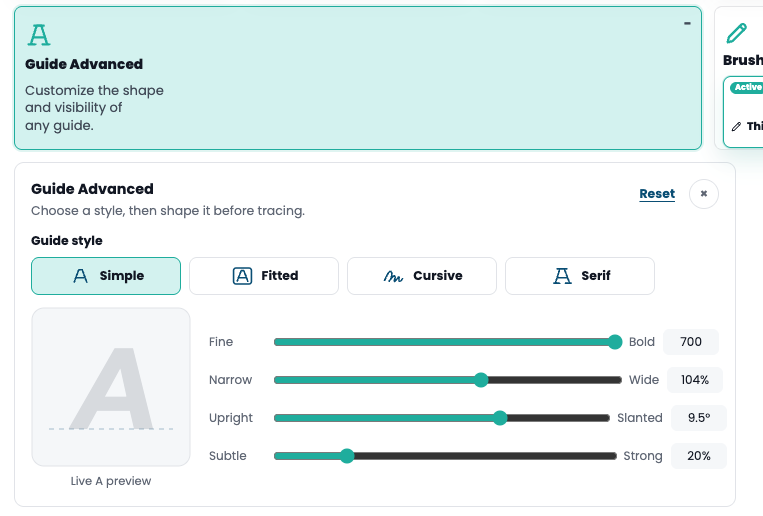
Choose Simple, Fitted, Cursive, or Serif, then adjust weight, width, slant, and visibility before tracing so your letters begin from a more consistent direction.
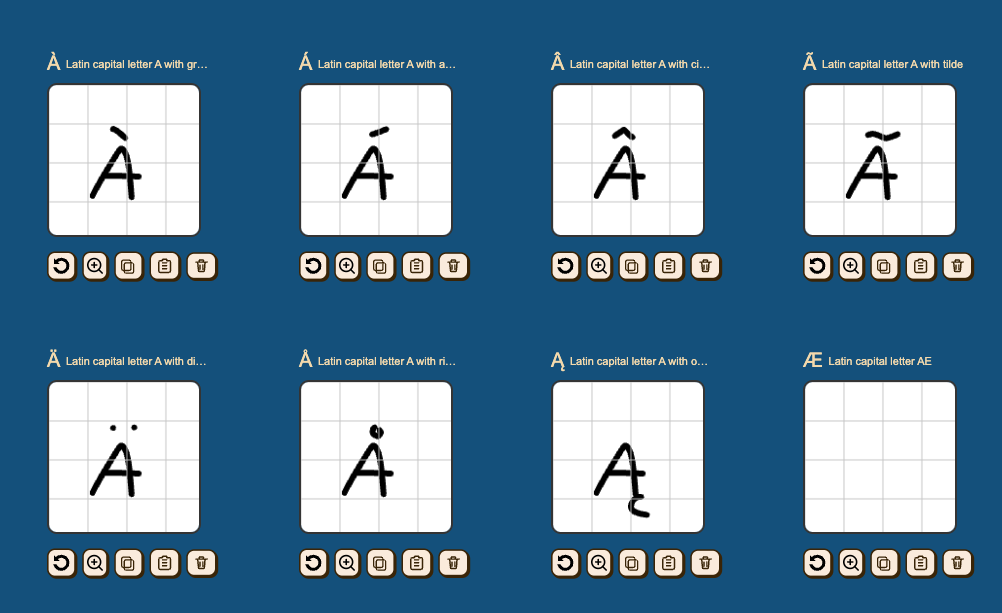
Copy and paste strokes across glyphs so accented letters, variants, and symbols go much faster.
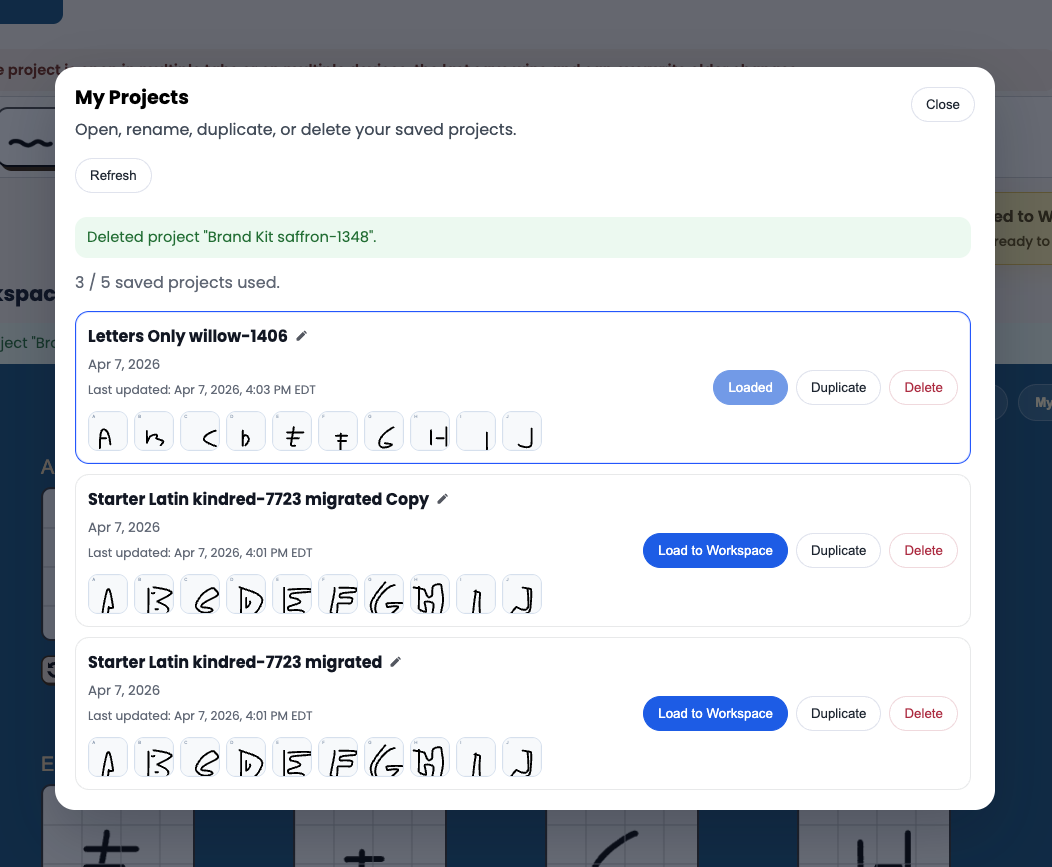
Save and manage up to 5 font projects instead of treating your whole workflow like one disposable draft.
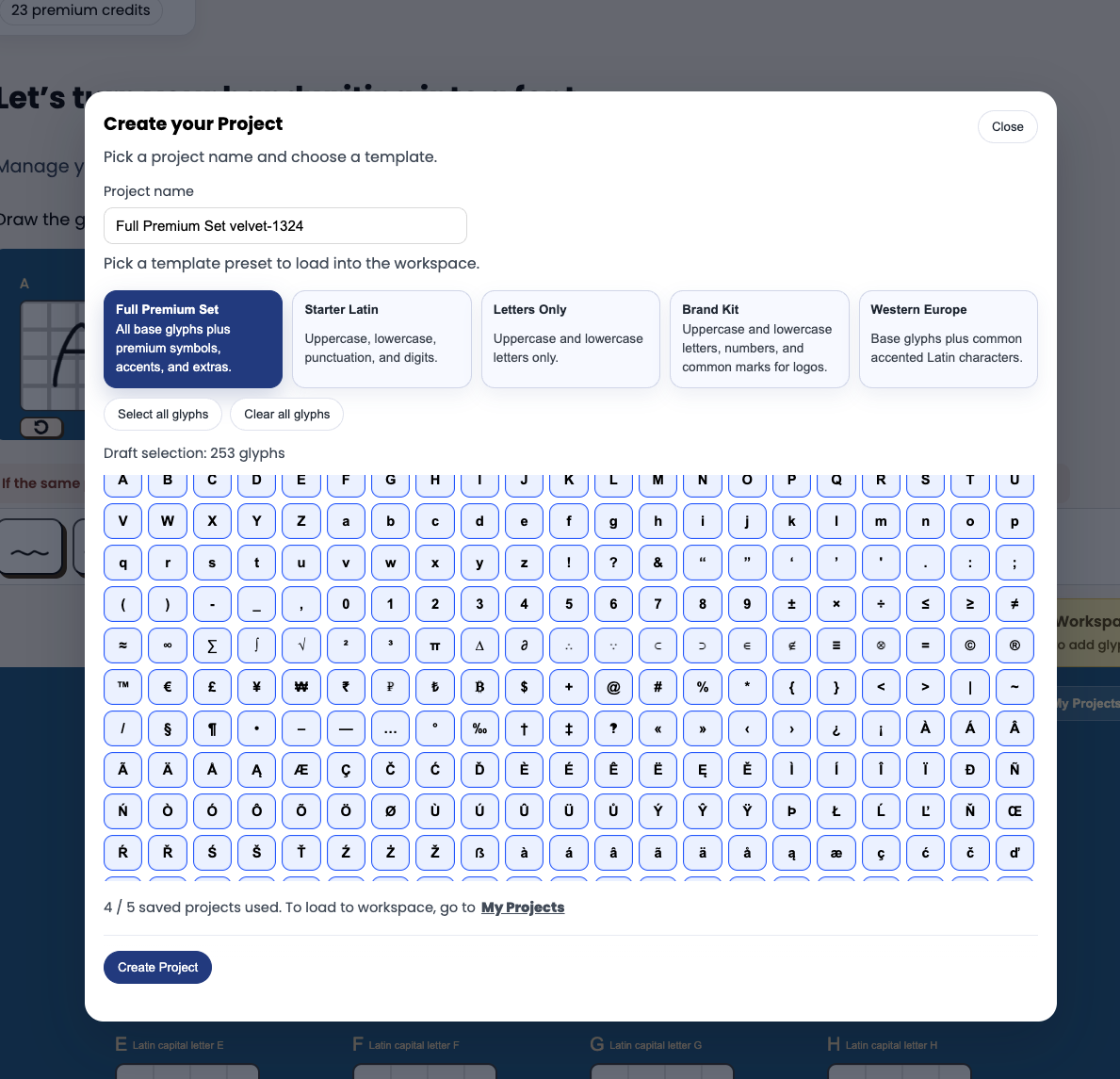
Add accented letters, punctuation, symbols, and extra characters that make the font usable beyond a basic test.
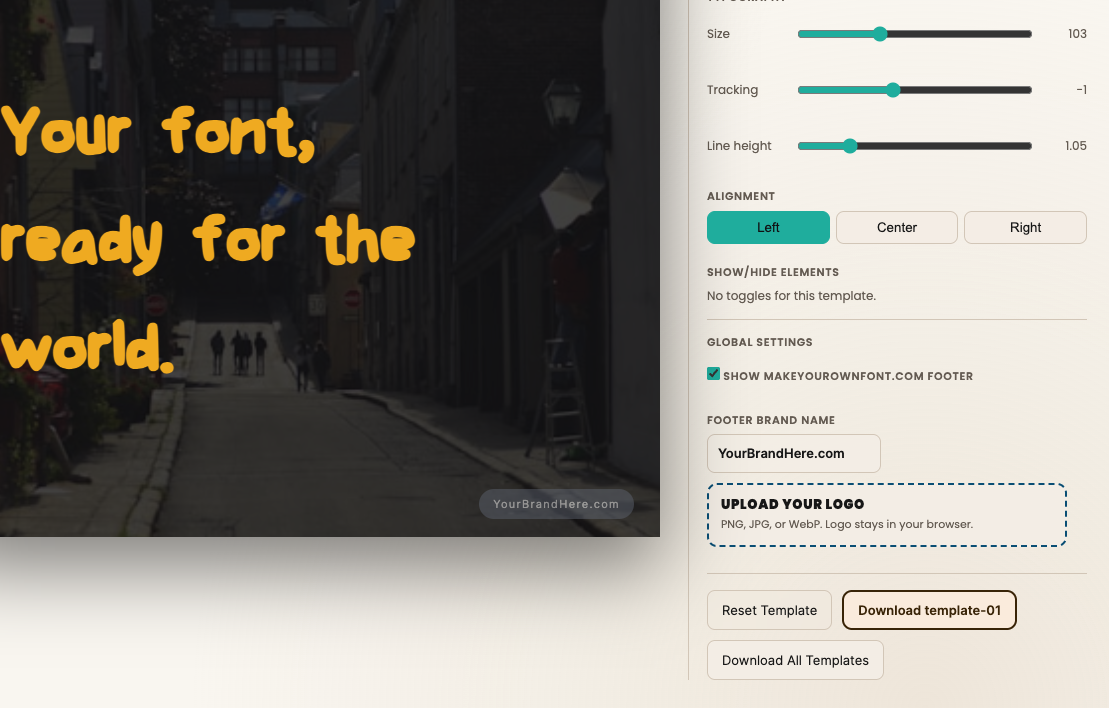
Upload your finished TTF or OTF font, preview it in ready-made marketing layouts, and add your own brand name or logo. Download polished mockups for social posts, packaging, client presentations, and font listings.
One-time purchase • Credits never expire
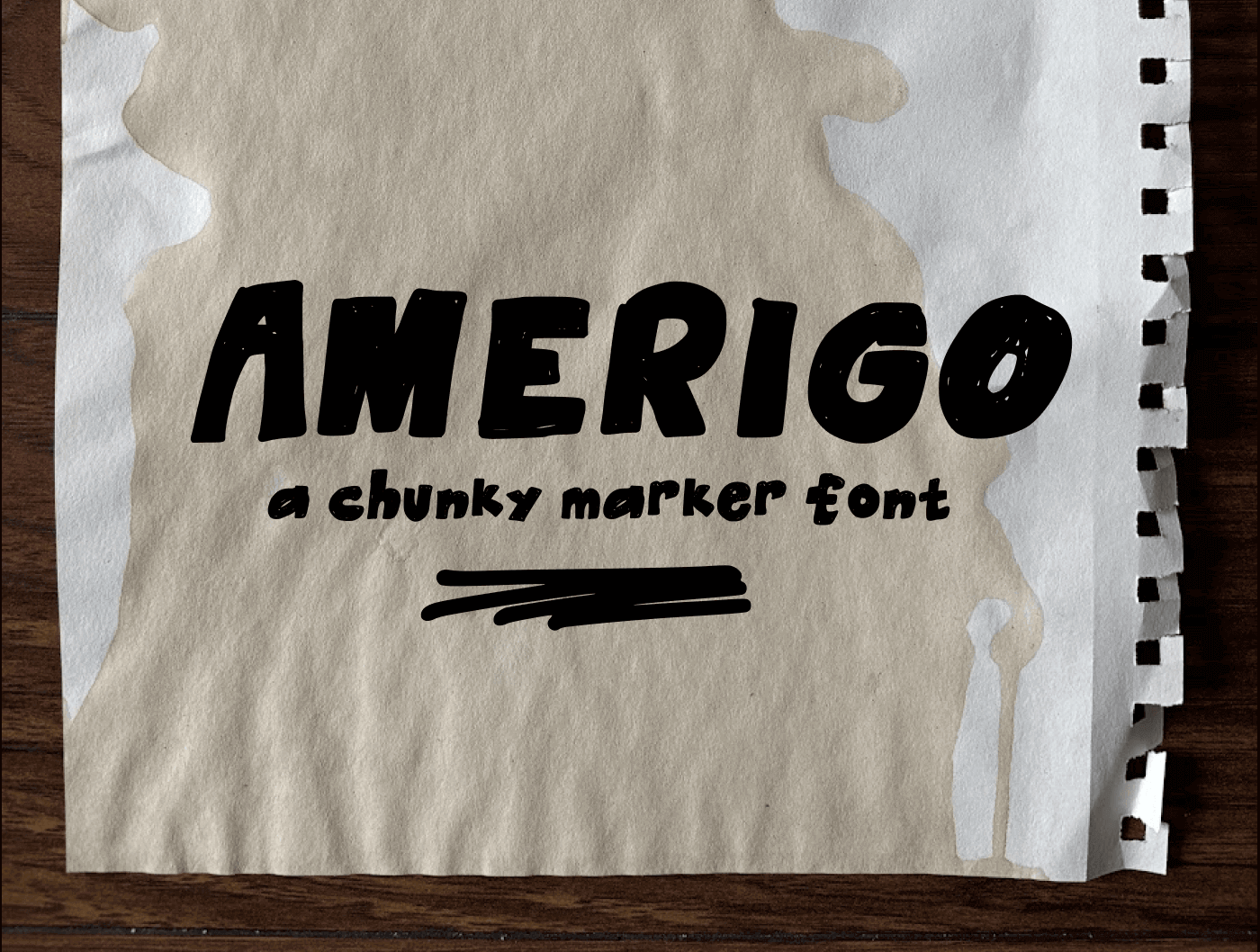
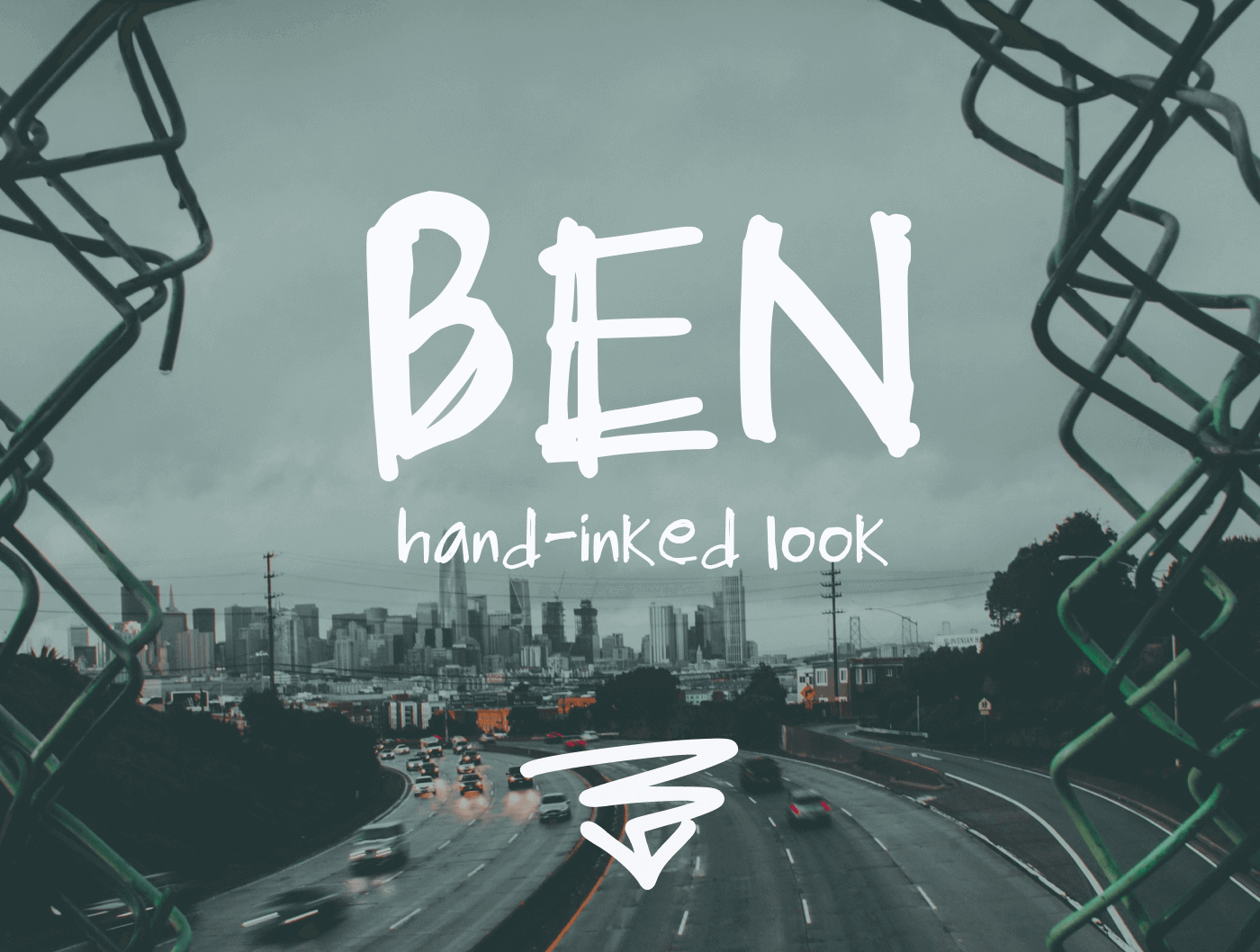
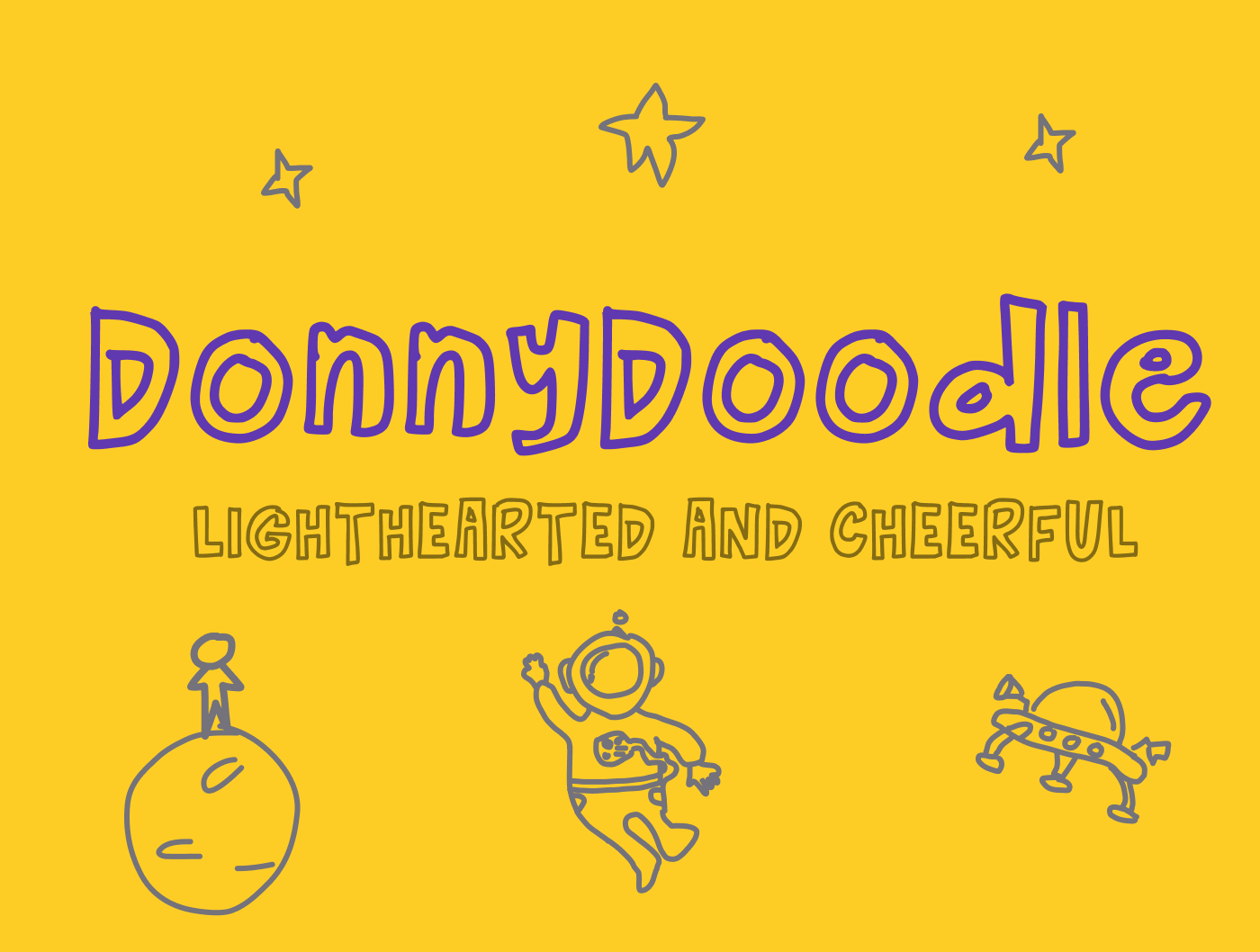
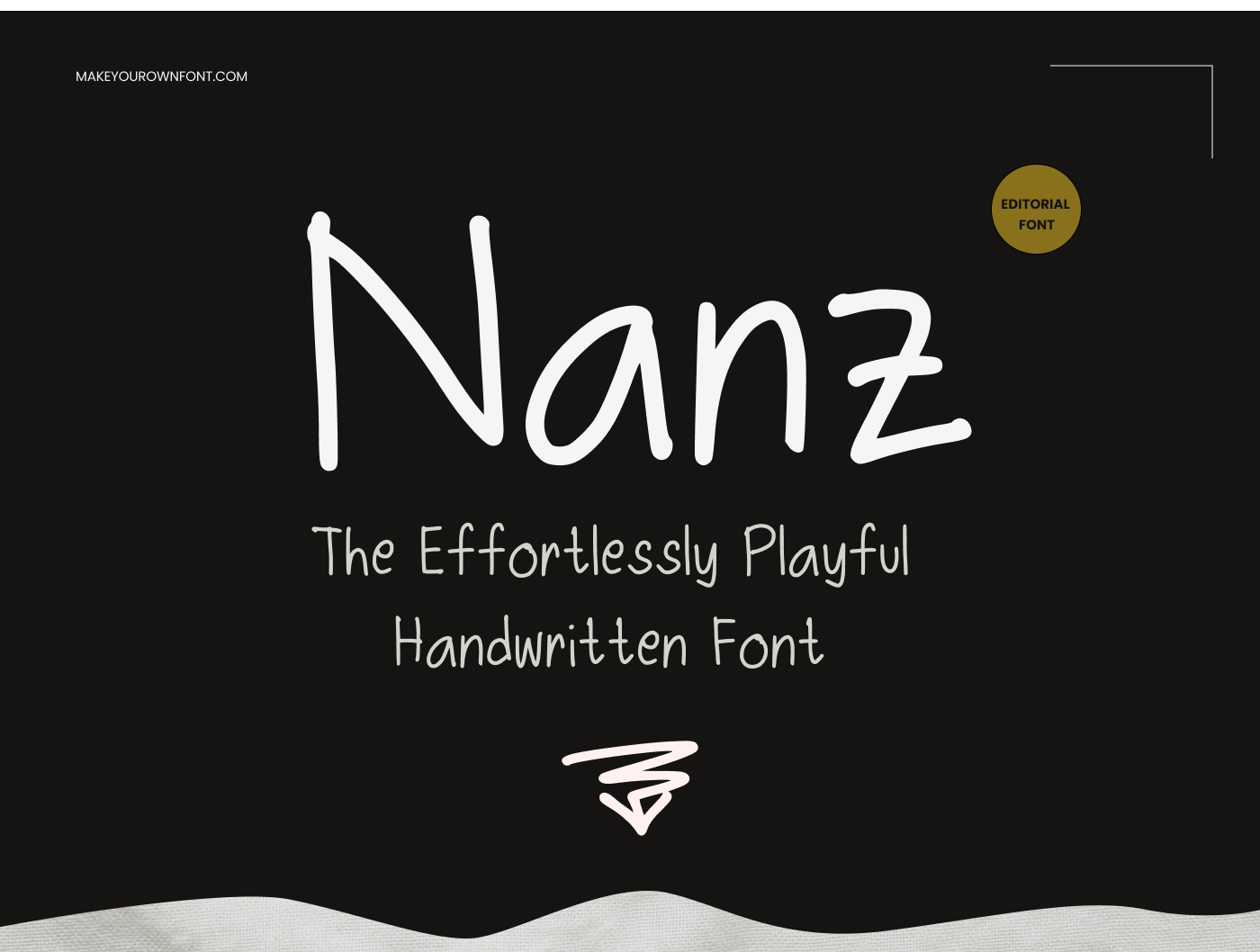
These are finished fonts from the same gallery shown on /font-gallery. Use them as proof of what a polished result can look like before you upgrade.
No. Premium is a one-time credit purchase — credits never expire.
Free is enough to test the workflow and build a basic font. If you want cleaner letters, custom tracing guides, saved projects, faster refinement, and a glyph set that works better for real client or product use, Premium is the better fit.
Choose a Simple, Fitted, Cursive, or Serif guide, then adjust its weight, width, slant, and visibility. The guide updates in the main workspace and zoomed glyph editor, but it is only a drawing aid and is not included in your exported font.
This Premium shortcut opens My Projects and highlights the delete action for your active saved project. Nothing is deleted immediately: you must confirm before the entire project and all of its glyphs are permanently removed.
Yes — you download a standard TrueType (.ttf) file. Most apps and platforms that support custom fonts will work with it.