Bubble Letter Generator
SVG Output
Fonts created from our studio
See what’s possible when users move from preview to full creation.
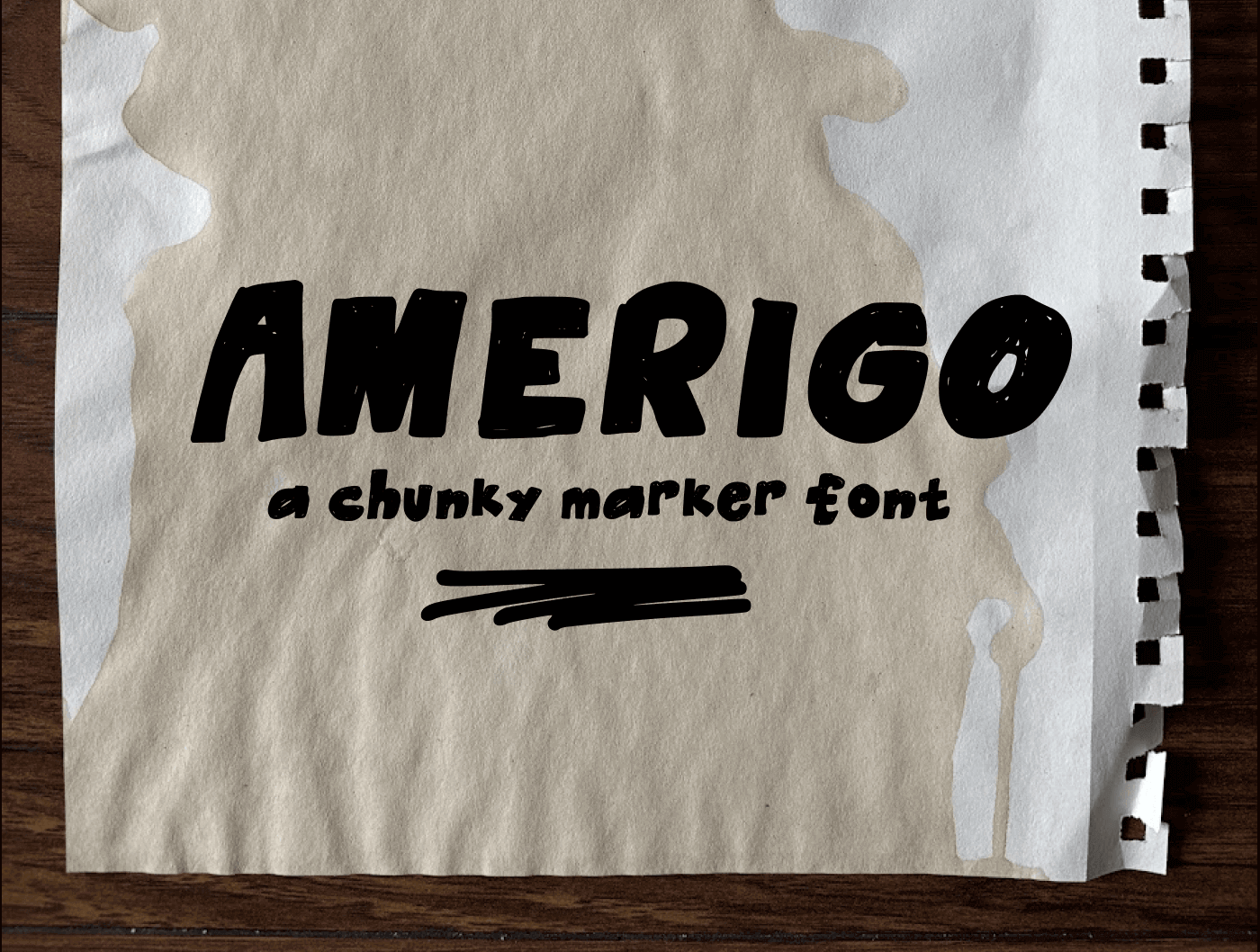
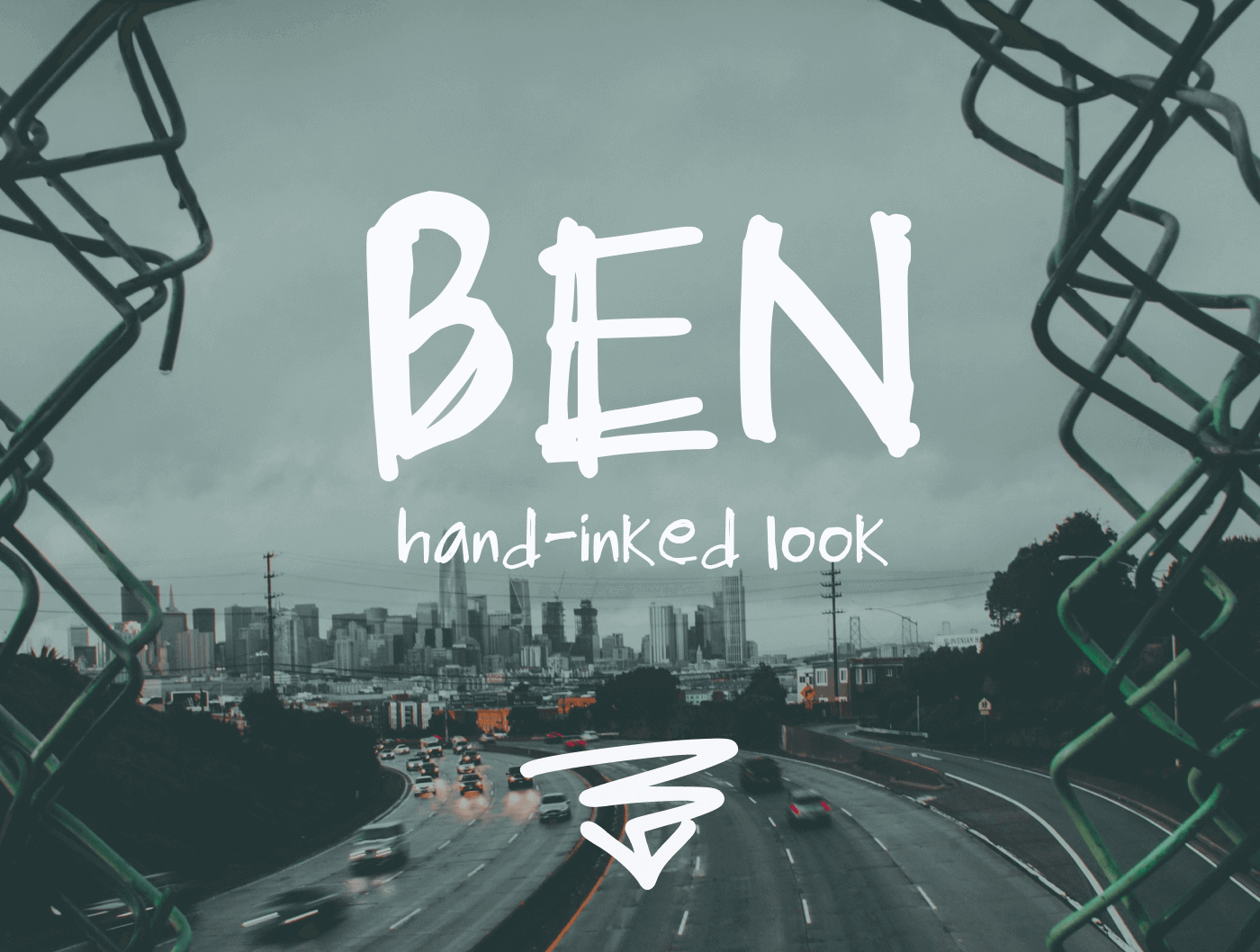
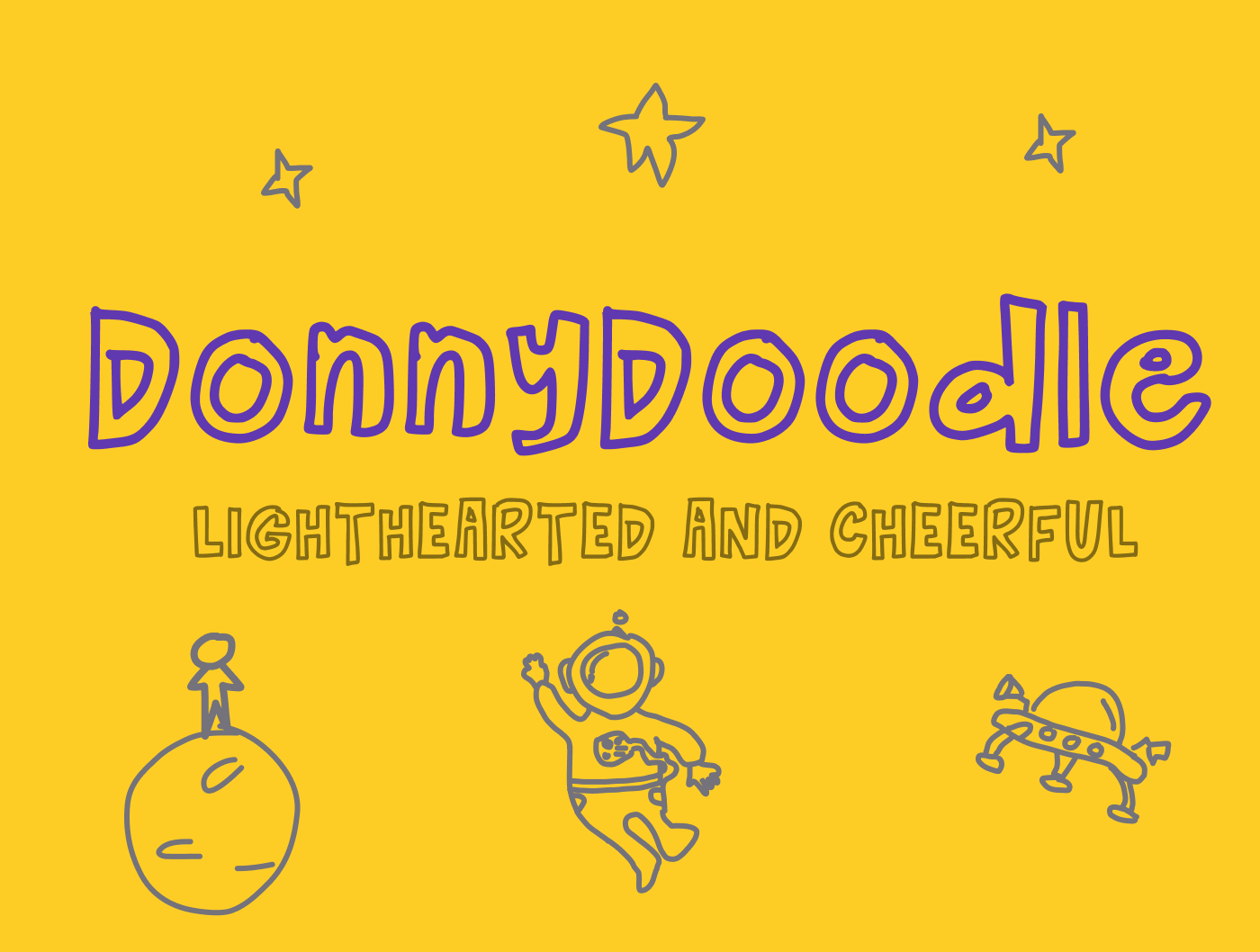
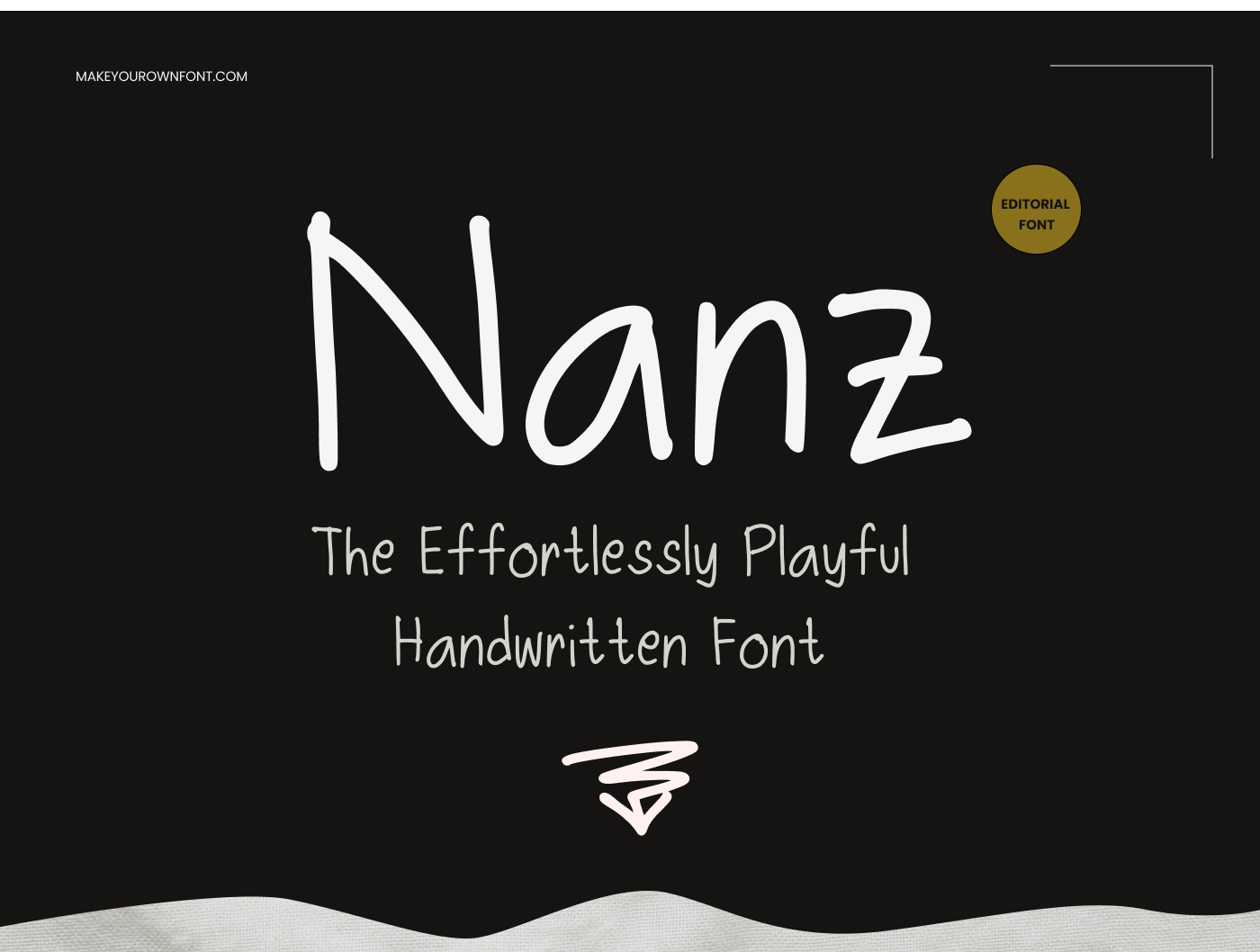
Free Bubble Letter Generator Online
Use this bubble letter generator to create soft balloon text, 3D bubble lettering, or glossy glass-style letters in seconds. You get a live preview while adjusting balloon amount, letter spacing, stroke, glow depth, glass opacity, and canvas color.
Choose a preset font or upload your own TTF/OTF/WOFF/WOFF2 file, then export your design as SVG (editable vector) or PNG (ready-to-share image). SVG stays crisp at any size for print, stickers, and design workflows.
How To Make Bubble Letters
1. Type your text and choose a font preset (or upload your own font).
2. Turn on Balloon Effect and raise Amount for a rounder bubble shape.
3. Enable 3D Glow and set depth, angle, and glow amount.
4. Enable Glass/Gloss to add highlight, tint, and shiny finish.
5. Adjust stroke, fill, spacing, and canvas settings, then download SVG or PNG.
Why Use SVG Bubble Letters?
SVG keeps bubble text fully scalable without blur, so it is ideal for logos, posters, Cricut cuts, classroom printables, and print-on-demand products.
FAQ
Can I use this bubble letter maker for free?
Yes. You can generate and export bubble letters as SVG or PNG for free.
Can I upload my own font?
Yes. Upload TTF, OTF, WOFF, or WOFF2 and generate bubble text using your own font file.
What is the best format to download: SVG or PNG?
Use SVG for scalable editing in design tools, and PNG when you need a quick image for social media, docs, or slides.
Can I keep the canvas size fixed while editing effects?
Yes. Turn on Fixed canvas size in Canvas settings, then set width and height in pixels.