Page 01
Motivational quote
A dramatic editorial page to check scale, rhythm, and emotional impact.
Use this font preview tool to upload any TTF or OTF file and preview it online in your browser. Type your own sample text to test readability, glyph coverage, spacing, and how the font looks on real words before you install it, share it, or sell it.
This page is for checking an existing font quickly before using it in Canva, Word, branding, packaging, or client work. If you want to create or improve a font instead, use our online font maker.
Advanced Font Insights also reads the file’s embedded names, version, dimensions, spacing metrics, and Unicode coverage, helping you catch technical issues that a visual preview alone may not reveal. Everything is analyzed locally in your browser.
Your font file stays client-side only. We use the browser FontFace API for local font preview and specimen export without uploading your font to our server.
Upload only a font you own or have permission to use.
Upload a font to see its total glyph count.
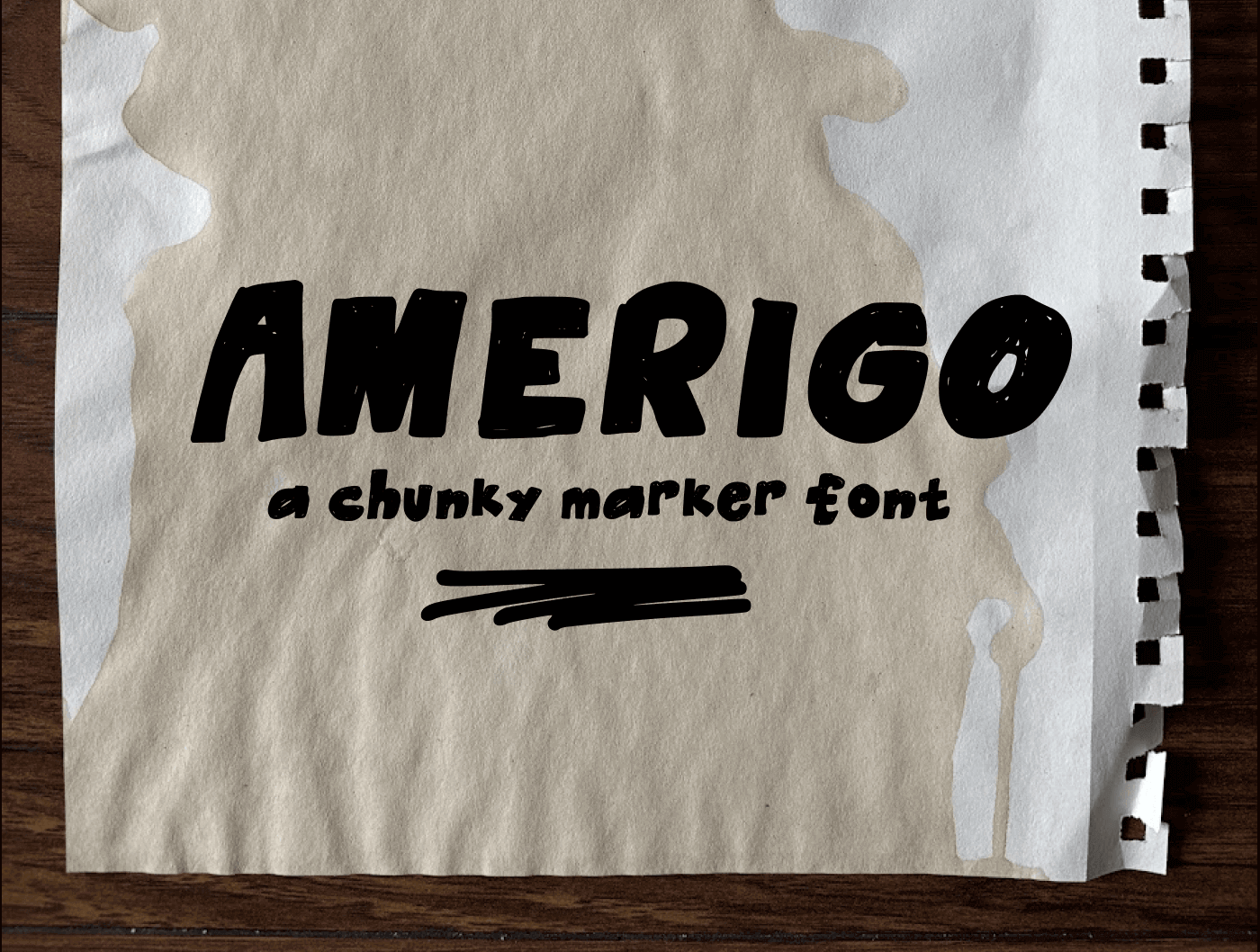
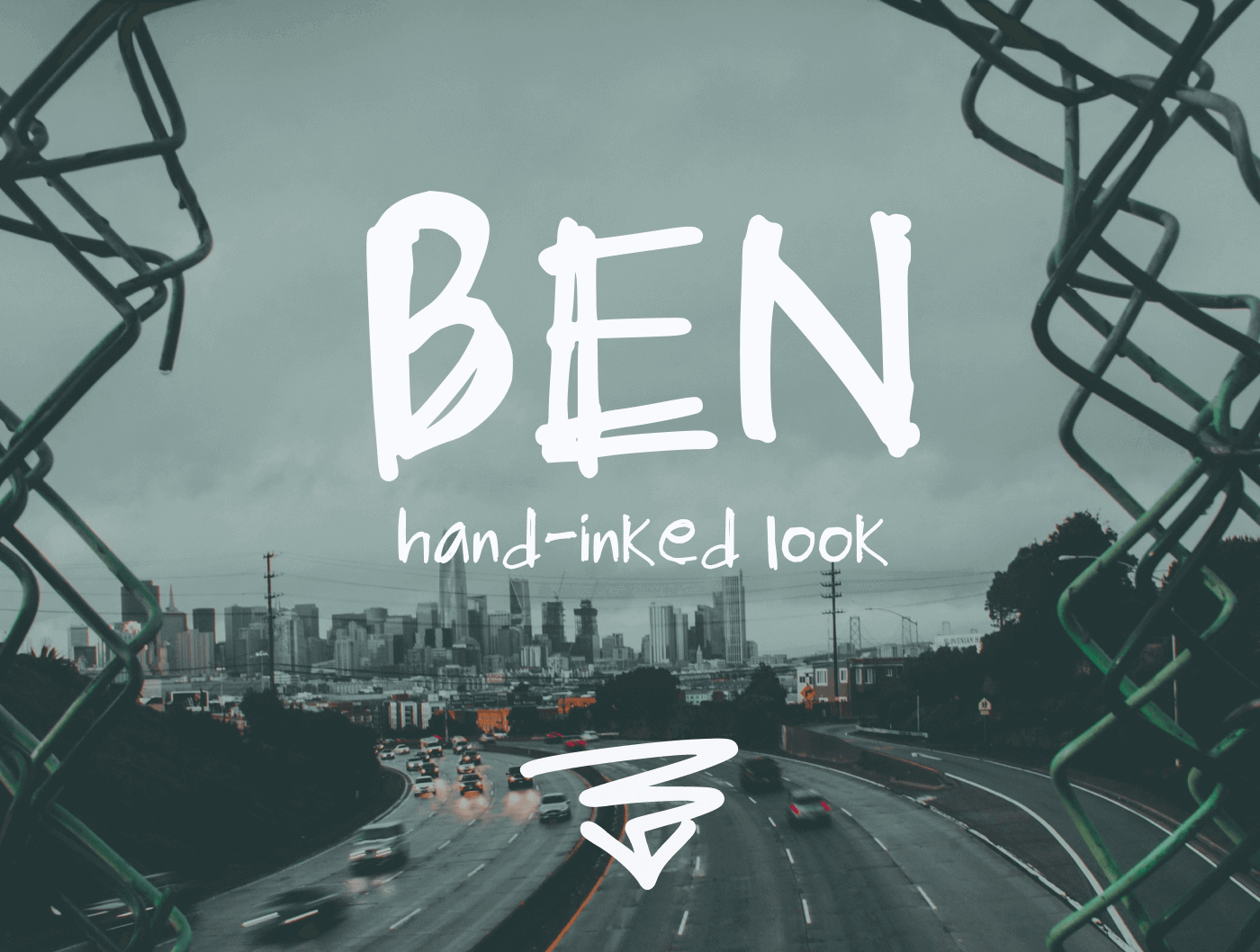
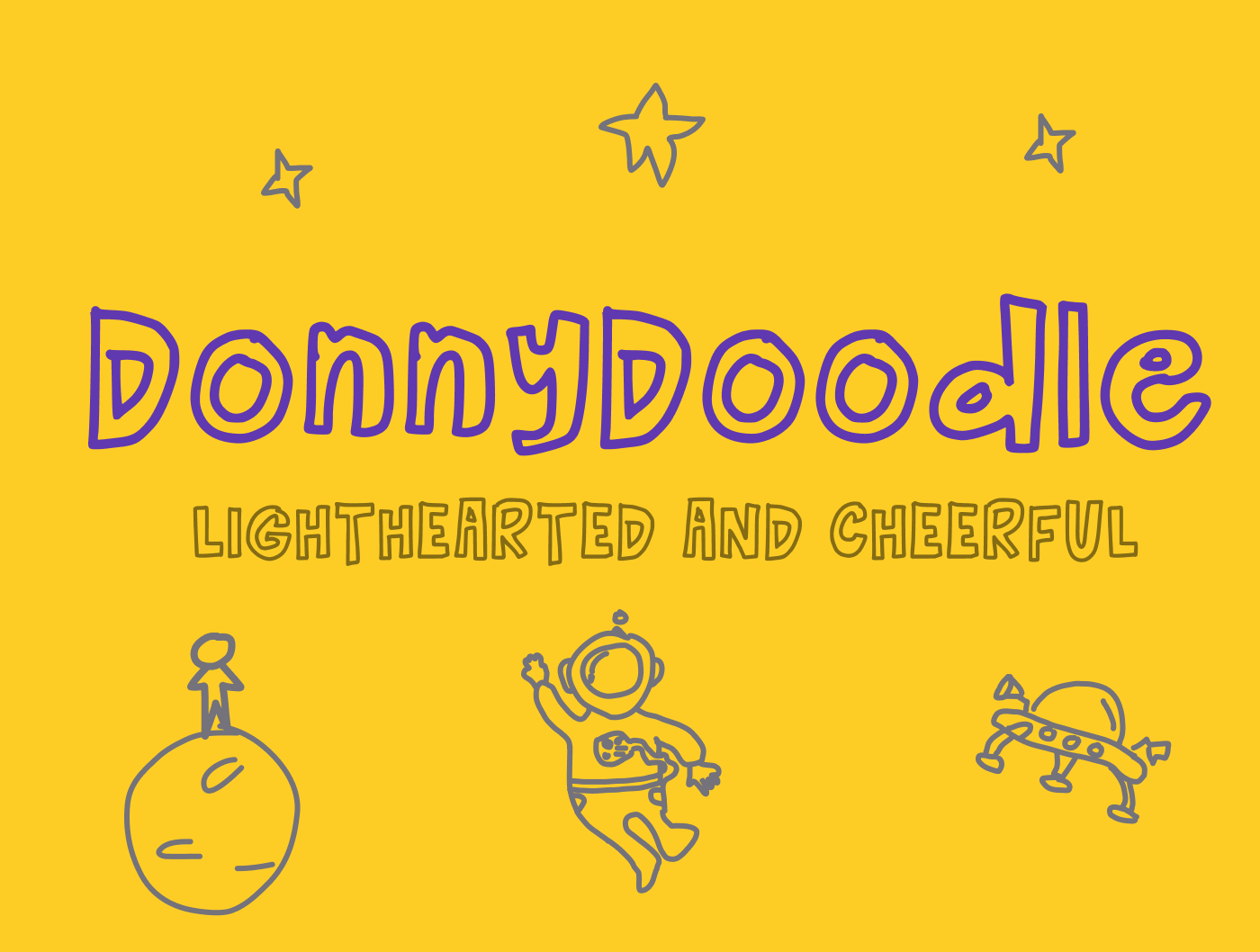
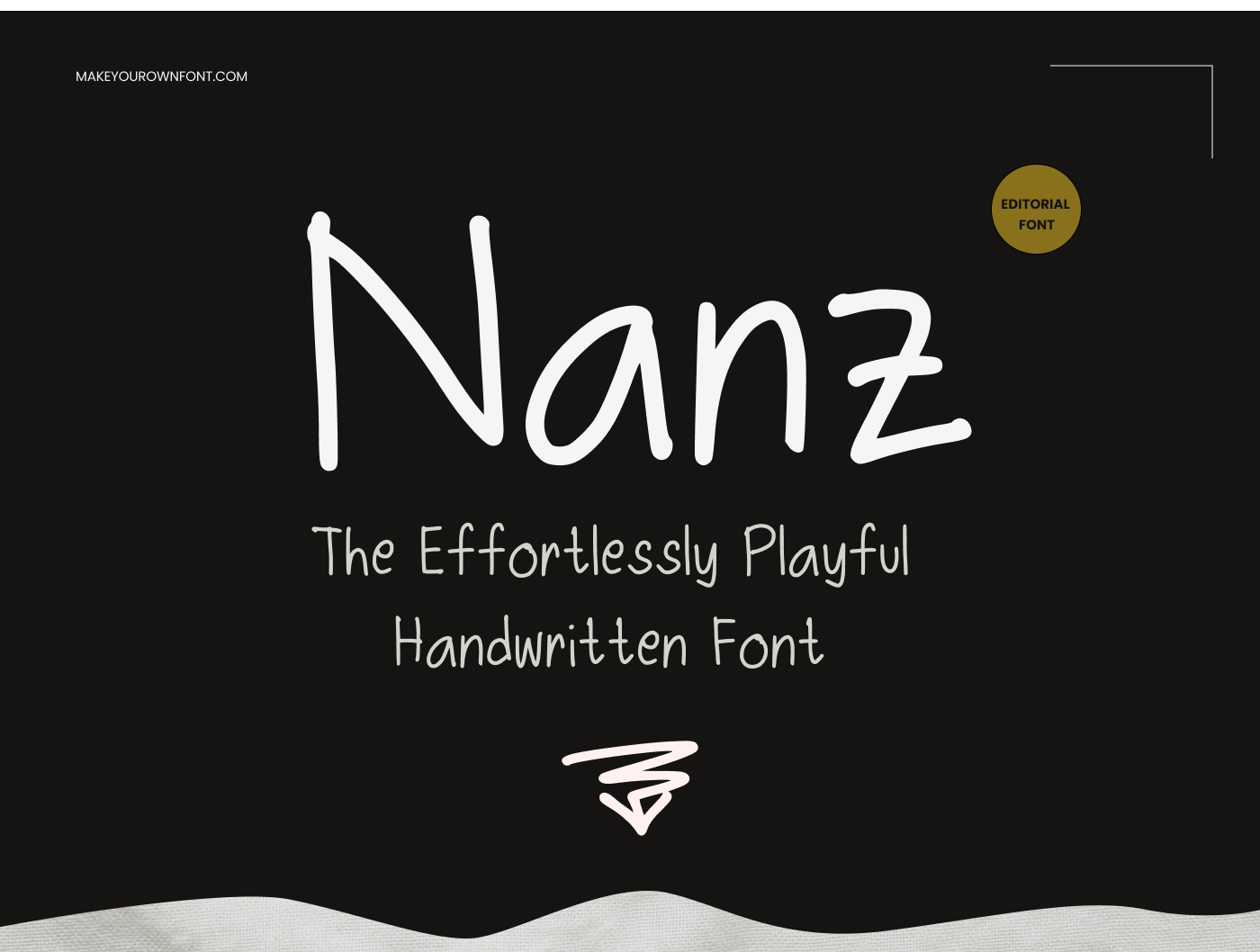
Export four 1440 × 1083 PNG pages to test your font in real design layouts.
Control the export before download: text size, alignment, branding, and specimen copy.
Live specimen previews will appear here once a valid font is loaded.
Upload only a font you own or have permission to use.
See what’s possible when users move from preview to full creation.
The specimen pack always includes exactly four PNG pages sized for clean desktop review, marketing mockups, and internal font QA.
Upload a valid .ttf or .otf font above to unlock specimen export.
Page 01
A dramatic editorial page to check scale, rhythm, and emotional impact.
Page 02
Alphabet, lowercase, numbers, accents, and live sample text in one export-ready layout.
Page 03
A warm, stationery-style page to test whether the font works in a friendly customer-facing layout.
Page 04
The same sample from 200px down to 16px to reveal readability at every size.
Use the controls to deliberately stress-test the font in different visual conditions before you export it or improve it further in the font maker.
White background
Small sizing with left alignment
Branding on
Shown in specimen 01
A visual preview shows how a font looks. Advanced Font Insights explains how the TTF or OTF file is built by reading its embedded names, dimensions, spacing values, OpenType metrics, and character mappings. The report runs locally in your browser, so your font file is not uploaded.
Check the family name, style, PostScript name, version, and copyright that operating systems and design apps will display.
Inspect ascenders, descenders, line gaps, bounds, and units per em to understand vertical spacing and possible clipping problems.
See how many character codes are mapped so you can catch missing letters, accents, punctuation, or symbols before sharing the font.
A quick preview is only useful if it helps you catch problems before the font goes into Canva, Word, packaging, templates, or client work.
Test short words, long sentences, and repeated letters so you can spot uneven spacing, awkward joins, or characters that break down at smaller sizes.
Paste accented text, quotation marks, numbers, and symbols. A basic alphabet is not enough if the font needs to work in real documents or storefront graphics.
Preview the font in the phrases you would actually use. If the font is still rough, go back to the font maker or compare Premium features before you try to use it professionally.
A font preview tool is most useful when you need to validate a real font file before it goes into design software, customer work, or your product catalog. This page helps you catch weak spacing, missing characters, and styling issues before they become a problem later.
Preview the font first, then follow our guide on how to install a font once you know the file is worth keeping.
Test common words, accented characters, and punctuation so buyers do not discover problems after download. If the font still needs work, open the font maker online.
Check whether the font feels strong enough for logos, packaging, templates, and client deliverables, then compare Premium features if you need more advanced creation tools.
Learn how font previews and Advanced Font Insights help you check visual quality, embedded metadata, font metrics, and character coverage before you install, share, or sell a font.
No — the font loads locally in your browser for preview only.
TTF and OTF are supported. (WOFF/WOFF2 are usually web-font outputs, not original install fonts.)
Paste accented text (French/Spanish/Portuguese) and look for missing squares/tofu glyphs.
Check readability, punctuation, accented characters, and whether the font still looks consistent at the sizes and phrases you plan to use in real work.
Advanced Font Insights reads naming, spacing, dimensions, OpenType metrics, dates, and Unicode coverage directly from your TTF or OTF file in your browser.
The glyph total is the number of visual letterforms and symbols stored in the font, including mapped characters, replacement glyphs, ligatures, and alternates.
No. The size slider only changes how large the font appears in this browser preview. It does not edit or overwrite the uploaded TTF or OTF file.
Use the pangram for overall readability, the alphabet for consistency, numbers and symbols for coverage, accents for language support, and spacing pairs to find awkward gaps.
Not by itself. Also review the font at several sizes, check accents and punctuation, inspect its embedded names and metrics, and test it in the design apps your customers will use.