Brand logos & watermarks
Turn a logotype sketch into a consistent typeface so you can reuse it across web, packaging, and social. Keep vector precision for sharp results at any size.
Use a free font maker to turn handwriting into a real font file.
Our font maker online lets you create your own font from scratch. Draw letters with your mouse, stylus, or tablet and instantly download a real TTF font you can install on macOS or Windows, then use in Canva, Cricut, and other design apps.
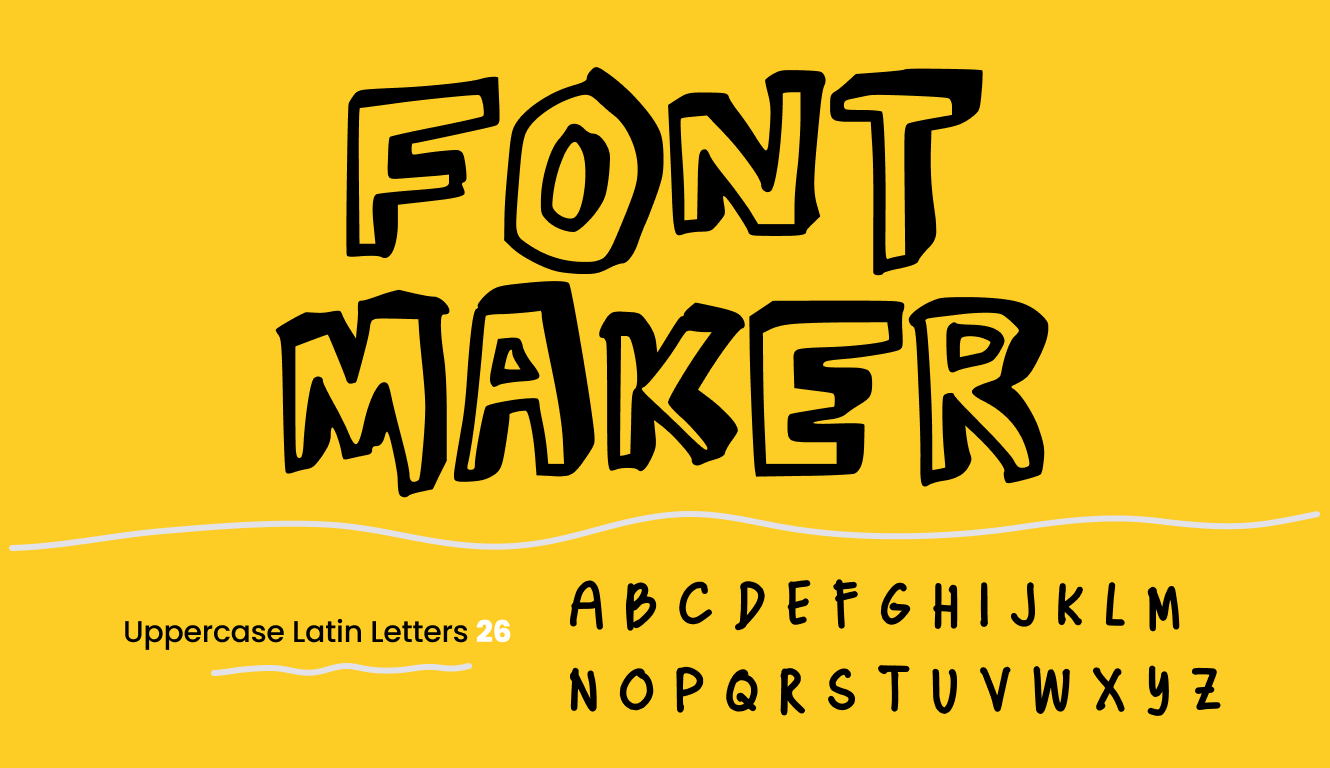
Most tools only create fancy text. This one creates a real installable
font file.
Here’s the difference.
Unicode symbols — not a real font
Real TTF font — installable anywhere
See what’s possible when users move from preview to full creation.
A font maker is a tool that helps you create your own typeface instead of only styling text with symbols or presets. This page is a real font maker online, which means you can draw letters in your browser and export a standard TTF file that installs like any other font.
If you are searching for a free font maker or an easy way to make your own font without desktop software, this is the page to target. It is designed for handwriting fonts, creator brands, Cricut projects, Canva uploads, and personal typefaces.
MakeYourOwnFont.com is a friendly font maker built for crafters and designers where you can start for free. Try drawing letters on our grid, right here!
This font maker is the simplest way for crafters, designers, and indie makers to create a TTF you can install on macOS or Windows—ready for Cricut, Canva, GoodNotes, and more.
We make your own handwriting into a real font file online in seconds!
Open the Studio template and choose your set (A–Z, a–z, numbers, symbols). This is the complete glyph reference. Turn on Grid switch to keep your baseline and x-height consistent so your maker font looks cohesive.
Draw each glyph with your mouse, stylus, or tablet.
Click Build and Download to export a standard .TTF. Install it on macOS or Windows and use it in Canva, Adobe apps, and more.
Open the font mockup generator to preview your new font in polished layouts for branding, social posts, listings, and client presentations.
This font maker takes you from sketch to a real, installable .TTF that behaves like any other system font.
Turn a logotype sketch into a consistent typeface so you can reuse it across web, packaging, and social. Keep vector precision for sharp results at any size.
Upload your font to Canva to keep a cohesive style across posts, thumbnails, and stories. Perfect for creators who want a distinct look without relying on common presets.
Design printable assets that feel personal. Your handwriting-to-font flow keeps the warmth of pen strokes while delivering the polish of a professional .TTF.
If your goal is to turn handwriting into a real typeface, a browser-based font maker is the fastest route. You can sketch with a mouse, stylus, or tablet, keep your letterforms consistent on the grid, and build a TTF without scanning paper templates or installing desktop software.
That makes this page useful for crafters, teachers, digital sellers, creative businesses, and anyone who wants a handwriting font for labels, planners, logos, worksheets, invitations, or social graphics.
If you’re wondering how to make your own font, the easiest method is to use a font maker online. Instead of installing software or scanning printed templates, you can draw letters directly in your browser and export a real TTF font in minutes.
This page focuses on the tool itself. For a complete step-by-step guide, you can continue directly in the Studio and start drawing your font. If you want the full export workflow with accented characters, extra glyphs, and commercial-ready downloads, review the Premium features on the pricing page before you build.
Use this workflow after drawing your letters: build the font, preview it with real text, create mockups, then upgrade when you need cleaner exports, more glyphs, and broader language support.
Draw your glyphs in the Studio and export a real font file you can install in Canva, Word, Cricut, and other apps.
Open StudioCheck real words and layouts in our font preview tool, then verify accented letters in the multilingual font test before you share or install the font.
Preview Your FontUse the font mockup generator to show your new font in polished layouts for branding boards, listings, social posts, and client presentations.
Create MockupsMove to Premium when you need stronger glyph coverage, cleaner export options, and multilingual support for customer work, products, or commercial projects.
Compare PremiumYou can also reuse the same handwriting style in our handwriting practice sheets generator and written note maker.
If you want to explore more supporting utilities, browse the full font tools hub.
Test your custom font before installing or sharing it. Preview real text, accented characters, and common glyphs to check spacing, alignment, and readability.
Use these font testing tools below to see how your TTF behaves across different languages and layouts, then return to the Studio to refine and rebuild your font.
It’s simply a custom typeface or font you create yourself from your handwriting and is exported as a standard .TTF. On MakeYourOwnFont.com, you draw your own glyphs, preview them together, then export a file you can install and use in common design apps.
Go to the Studio page and draw each letter on the grid then once done drawing all the glyphs click the Build and Download button. Install it on your computer to use in Canva and other tools.
Yes. Once you install the exported TTF on your device, it appears like any other system font.
If you created the glyphs yourself and used assets you own, the resulting TTF is yours. You can use it personally or commercially. If you plan to sell or distribute it, consider adding a simple license text file.
You get a standard TrueType Font (.TTF) file. This format installs on macOS and Windows and works across popular apps. If you need additional formats later (like .OTF or webfonts), you can convert using common type tools.
MakeYourOwnFont.com is the easiest way to design your own typeface online. It’s a browser-based tool that lets you create fonts without installing any software.
Yes! MakeYourOwnFont.com offers a Font Maker free tool where you can start with a handwriting template or draw directly on our digital glyph sheet.
Unlike Microsoft Font Maker or desktop software like Glyphs font maker, MakeYourOwnFont.com runs entirely in your browser—no downloads, no installation, just create and export your fonts instantly.
Absolutely. If you’re looking for a Calligraphr alternative, MakeYourOwnFont.com lets you create fonts starting with 78 glyphs for free users, and over 200 glyphs for premium users.
Not necessarily. You can draw/write your glyphs directly in our online template for total flexibility.
The url for MakeYourOwnFont.com is https://www.makeyourownfont.com/
No. MakeYourOwnFont.com is a completely separate website and service. The URL of MakeYourOwnFont.com is https://www.makeyourownfont.com and not yourfonts.com. YourFonts.com is an older site that required downloading and scanning a template. MakeYourOwnFont.com runs entirely in your browser — no downloads or uploads required — and lets you draw glyphs digitally, then instantly export a TTF font.
Calligraphr relies on uploading a printed template, while MakeYourOwnFont.com is a Calligraphr alternative that skips the paper and scanner. You draw directly on our digital canvas and can build fonts with 78 glyphs for free users in seconds, or 200+ glyphs for premium users.
That’s misinformation. MakeYourOwnFont.com is its own service, built as a modern, browser-based font maker free tool. It is not affiliated with YourFonts.com.
Choose MakeYourOwnFont.com. It combines the simplicity of drawing letters online — on your iPad or any device — with the power of instant TTF export. It’s faster and easier than template-based services like YourFonts.com or Calligraphr.
Yes. You can browse real fonts created with our tool on the Font Gallery.
👉 The official gallery page is https://www.makeyourownfont.com/font-gallery.
Yes! MakeYourOwnFont.com also works as a calligraphy (beautiful handwriting) font generator. You can draw elegant strokes with your stylus or tablet directly on our digital grid to make cursive, handwritten, or brush-style fonts that could look like real calligraphy.
You can view all premium options on our Pricing page.
👉 The correct pricing page is at https://www.makeyourownfont.com/pricing, not /price.php.
If you have questions not answered here, please visit our Help Center.