Font For Names Generator With 3D Glow
Type any first name, full name, brand name, or username and preview it instantly. Compare font styles for names, upload your own font, add the 3D glow effect from the bubble generator, and download the result as SVG or PNG.
Live generator preview
Olivia
Active style: Pacifico • Downloadable as SVG and PNG
Upload Your Own Font
Try your own `.ttf`, `.otf`, or `.woff` font in the live preview.
Inline SVG Code
Fonts created from our studio
See what’s possible when users move from preview to full creation.
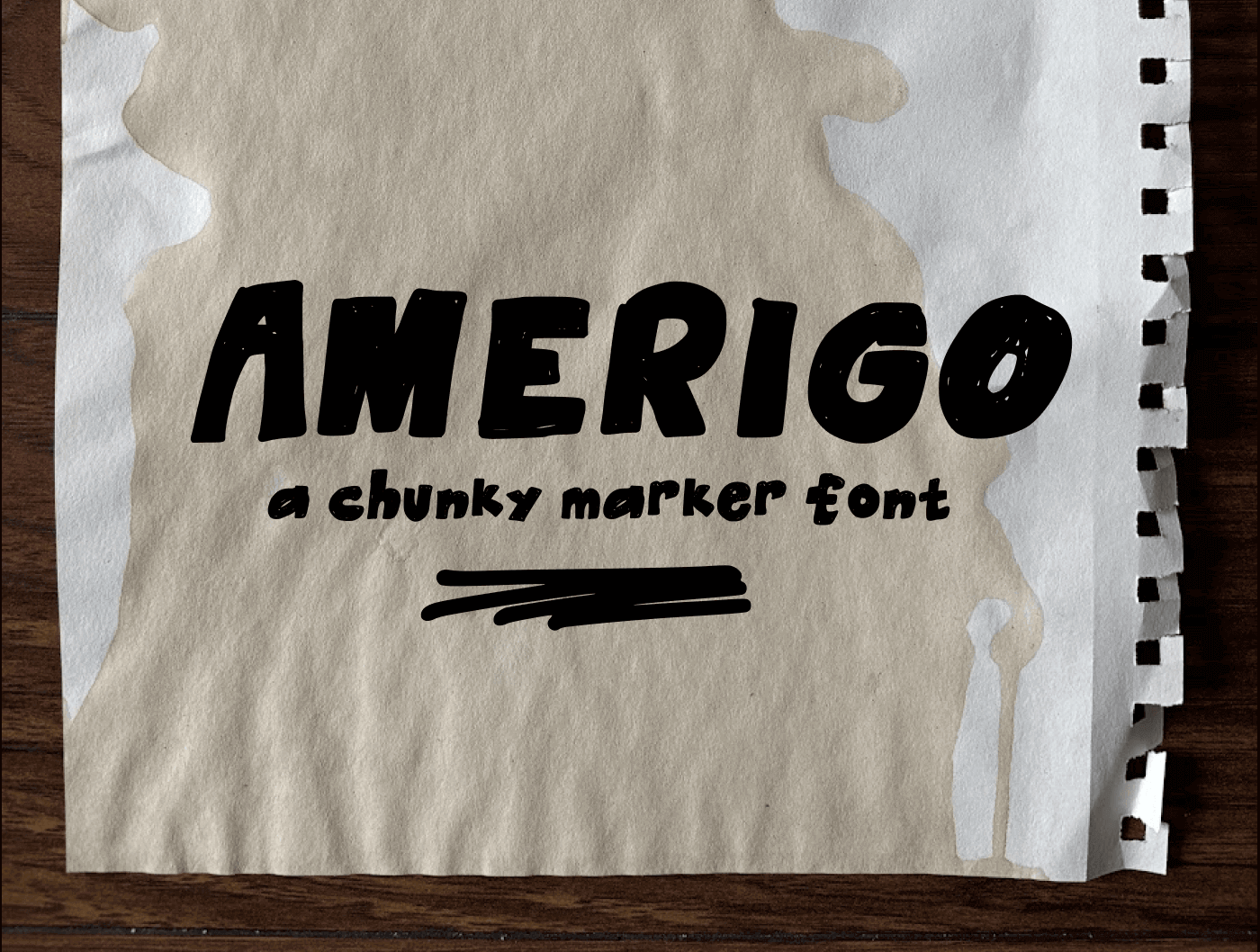
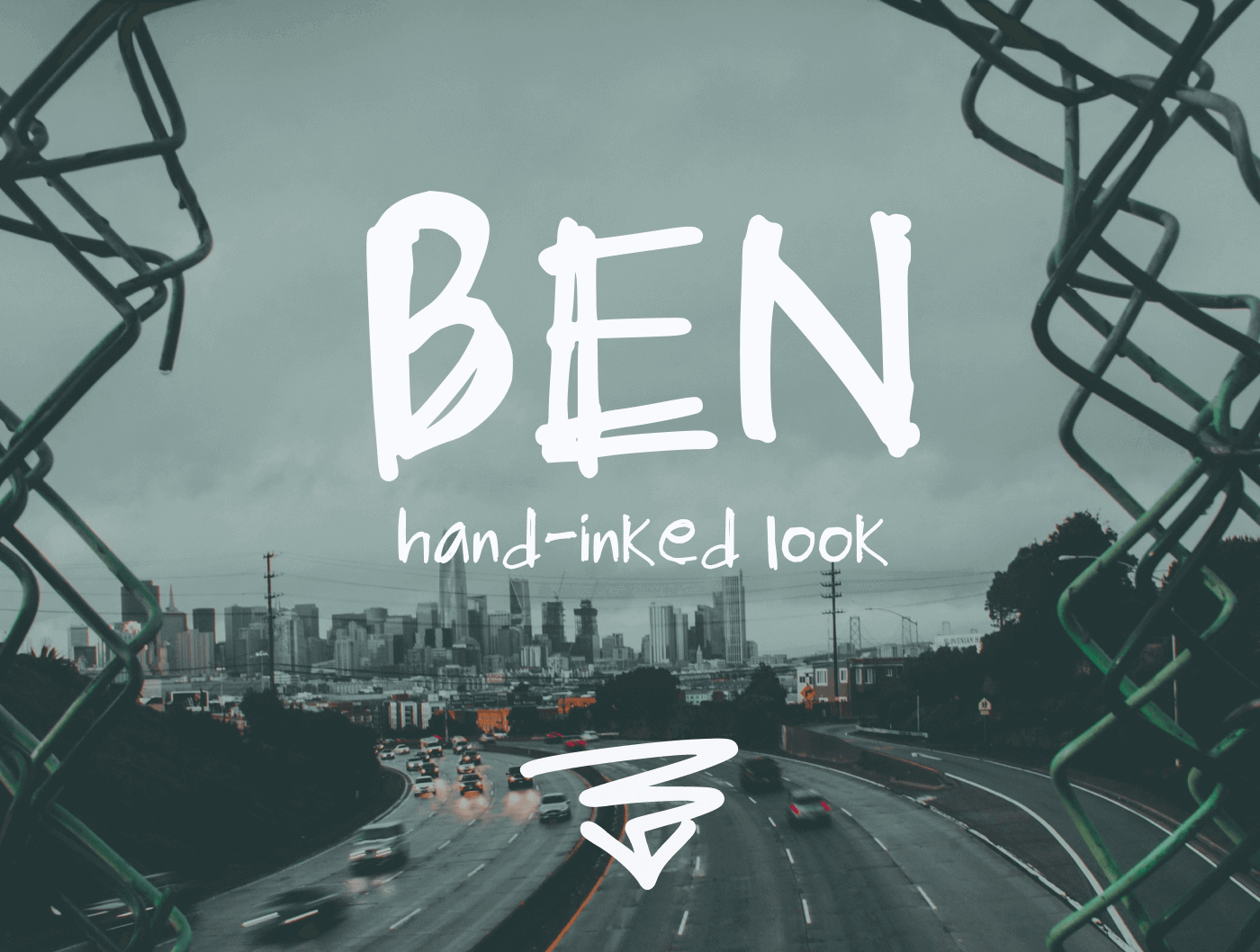
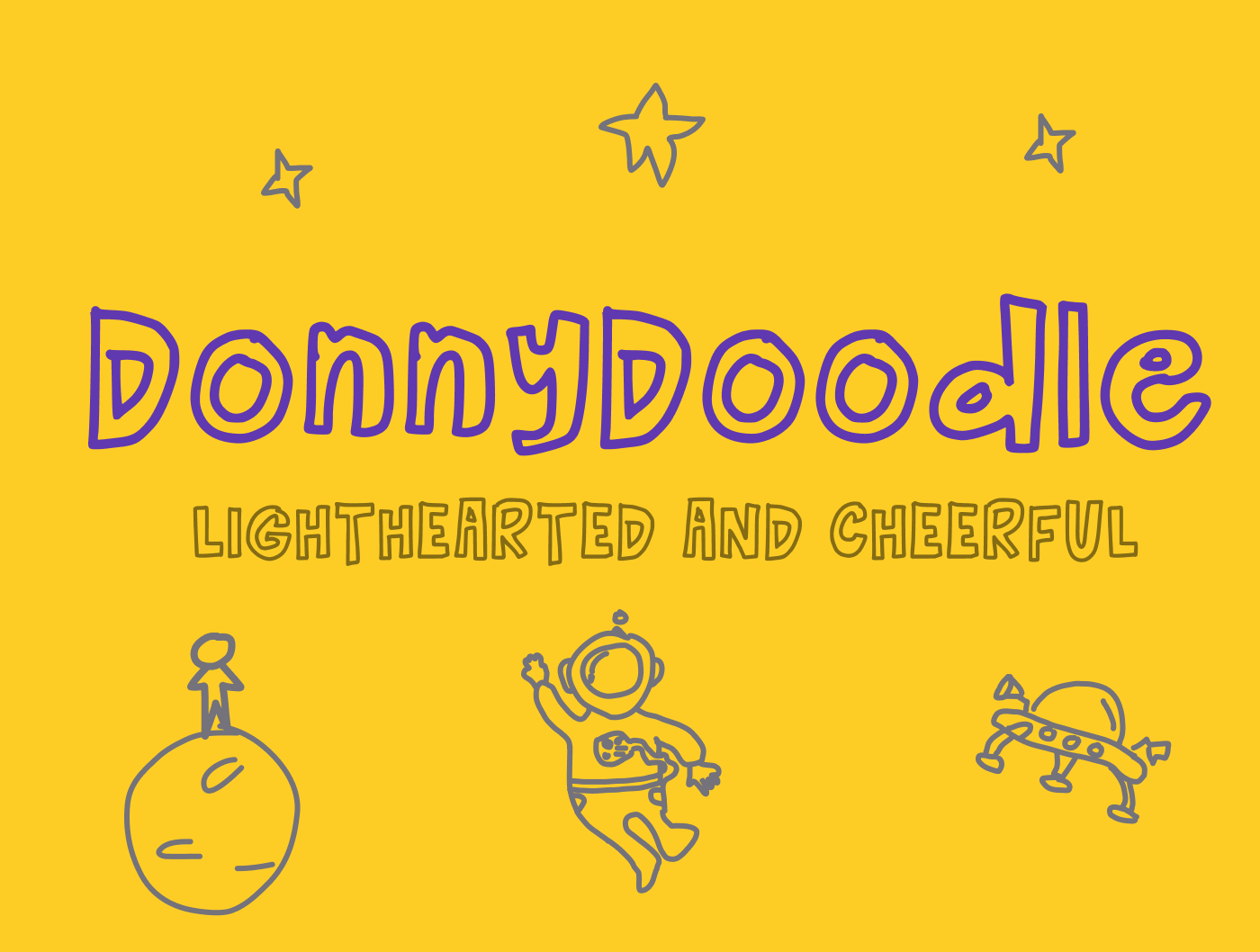
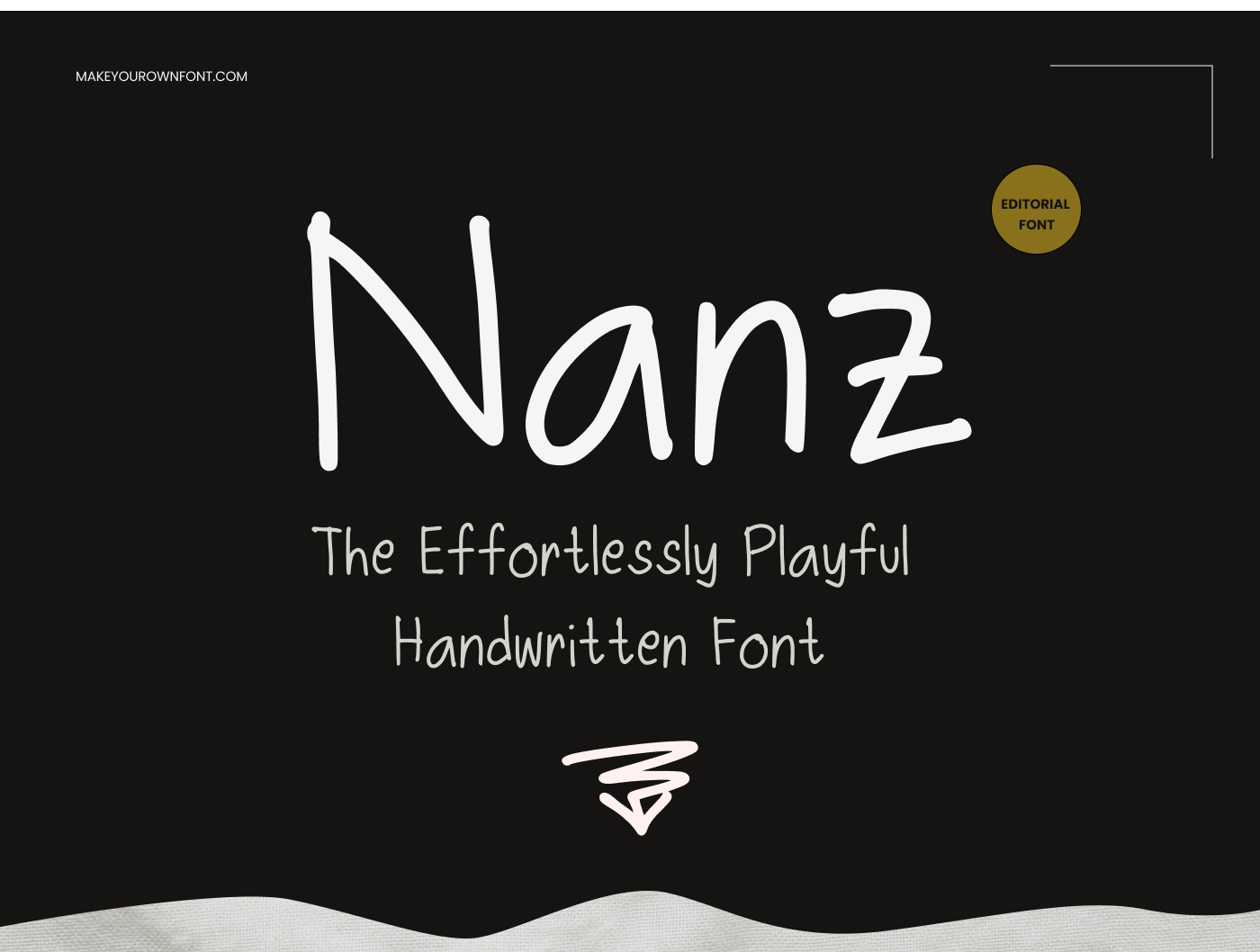
Font for names generator
This font for names generator helps you test how a baby name, first name, business name, social handle, or logo wordmark looks before you commit to a final direction. You can change the font style, adjust spacing and color, apply a 3D glow effect, and see the result immediately in the browser.
It works as both a quick font preview tool and a lightweight name font generator. If you want to turn your preview into a full downloadable typeface later, move into the font studio and build your own font.
What font is good for names?
A good font for names depends on the mood you want. Script fonts like Dancing Script or Pacifico feel personal and warm, which works well for first names, gifts, and signatures. Elegant serif fonts like Playfair Display look more editorial and refined, while clean rounded sans serif fonts like Nunito feel modern, friendly, and easy to read.
In practice, names usually look best in fonts that have strong letter shapes, readable spacing, and a distinct personality. That is why this preview tool shows the same name in several styles before you commit to a final direction.
Font styles for names
Popular font styles for names include handwritten script fonts, elegant serif fonts, rounded sans serif fonts, and bold display fonts. Script styles feel personal, serif styles feel classic, rounded sans serif styles feel modern and friendly, and display fonts feel loud and attention-grabbing.
If you are comparing font styles for names for a logo, baby name sign, invitation, T-shirt, profile header, or custom sticker, it helps to preview the same word in multiple styles before choosing one.
Upload your own font and preview any name
One of the most useful parts of this tool is that you can upload your own font and see how any name looks with it. That makes it useful for checking custom fonts, client fonts, signature fonts, or test fonts without installing them into a full design workflow first.
After uploading, your font appears as its own style button beside the built-in font cards, so you can compare your uploaded font with preset styles in the same generator.
Download name designs as SVG or PNG
This page is also useful if you need a quick name design export. You can preview the result as inline SVG, copy the SVG code, open a larger SVG preview, and download the design as SVG or PNG.
That makes the tool practical for decals, Cricut projects, print layouts, mockups, social graphics, and lightweight logo experiments where you want the name in a specific font style before opening a larger design app.
What is Gen Z's favorite font?
There is not one official Gen Z favorite font. Current design coverage points more toward a mix of expressive styles: nostalgic serifs, bold condensed display fonts, handwritten fonts, and playful rounded sans serifs all show up in Gen Z-focused branding and social content.
If you want a Gen Z-friendly direction for names, start with Bebas Neue for bold statement text, Playfair Display for trendy editorial contrast, or Dancing Script and Pacifico for a more personal social-first feel. Those styles match the broader shift toward expressive, less corporate typography.
Free name font generator
This page works as a free name font generator. You enter a name, test it across several font styles, upload your own font if needed, add 3D glow, and compare how it looks before moving on to a full font project.
Font For Names FAQ
What font is good for names?
Good fonts for names usually have clear letterforms and a strong personality. Script fonts feel personal, serif fonts feel elegant, rounded sans serif fonts feel friendly, and bold display fonts feel attention-grabbing.
What font styles work best for names?
Popular font styles for names include handwritten scripts, classic serifs, rounded sans serifs, and bold display styles. The best choice depends on whether you want the name to feel personal, refined, modern, or loud.
Can I upload my own font and preview a name?
Yes. This font for names generator lets you upload your own font file, preview any name, and switch between your uploaded font and the built-in font style options.
Can I download the name preview as SVG or PNG?
Yes. You can preview the generated name design as inline SVG and download it as SVG or PNG after adjusting font size, colors, spacing, and the 3D glow effect.