Approved with thanks,
Your signatureS
Create Your Own Signature Font
Draw your signature, preview it in real contexts, then continue to Studio when you want a complete handwriting font.
Handwritten Signature Font Generator
Create a signature that looks naturally handwritten. Type your name to preview signature fonts, or draw your real signature to create something uniquely yours.
Type a signature-style preview
Type your name in Preview Name and choose a handwriting style to test the look before drawing your own signature.
Your signature
Typed Signature Preview
Creator Studio
With love and gratitude,
Your name hereExport
This exports a preview image. A real installable TTF font is created in Studio.
How the signature font maker works
This signature font maker lets you start with one small creative task: drawing your own signature or personal lettering. You can preview it in simple real-world contexts before deciding whether you want to create a complete handwriting font.
The signature preview is a browser image, not a finished TTF font. If you want an installable font file, continue into Studio and draw the letters, numbers, punctuation, and spacing your font needs. Learn more about the full handwriting to font workflow.
When to use a signature preview
A signature preview is useful when you want to test the feel of your personal mark for document sign-offs, stationery, branding ideas, creator packaging, or a simple logo direction.
It is also a lower-friction way to begin. Instead of asking you to draw a full alphabet immediately, this page helps you create one personal result first, then move to the full handwriting-to-font workflow when you are ready.
What you can export
From this page, you can download your drawn signature as a PNG preview. To export a real font you can install on your computer and use in design software, use Studio to build a complete handwriting font.
A signature preview first, then a real font in Studio
This page creates a browser preview image. To export an installable font file, continue to Studio and draw the characters you want in your handwriting font.
Font Gallery
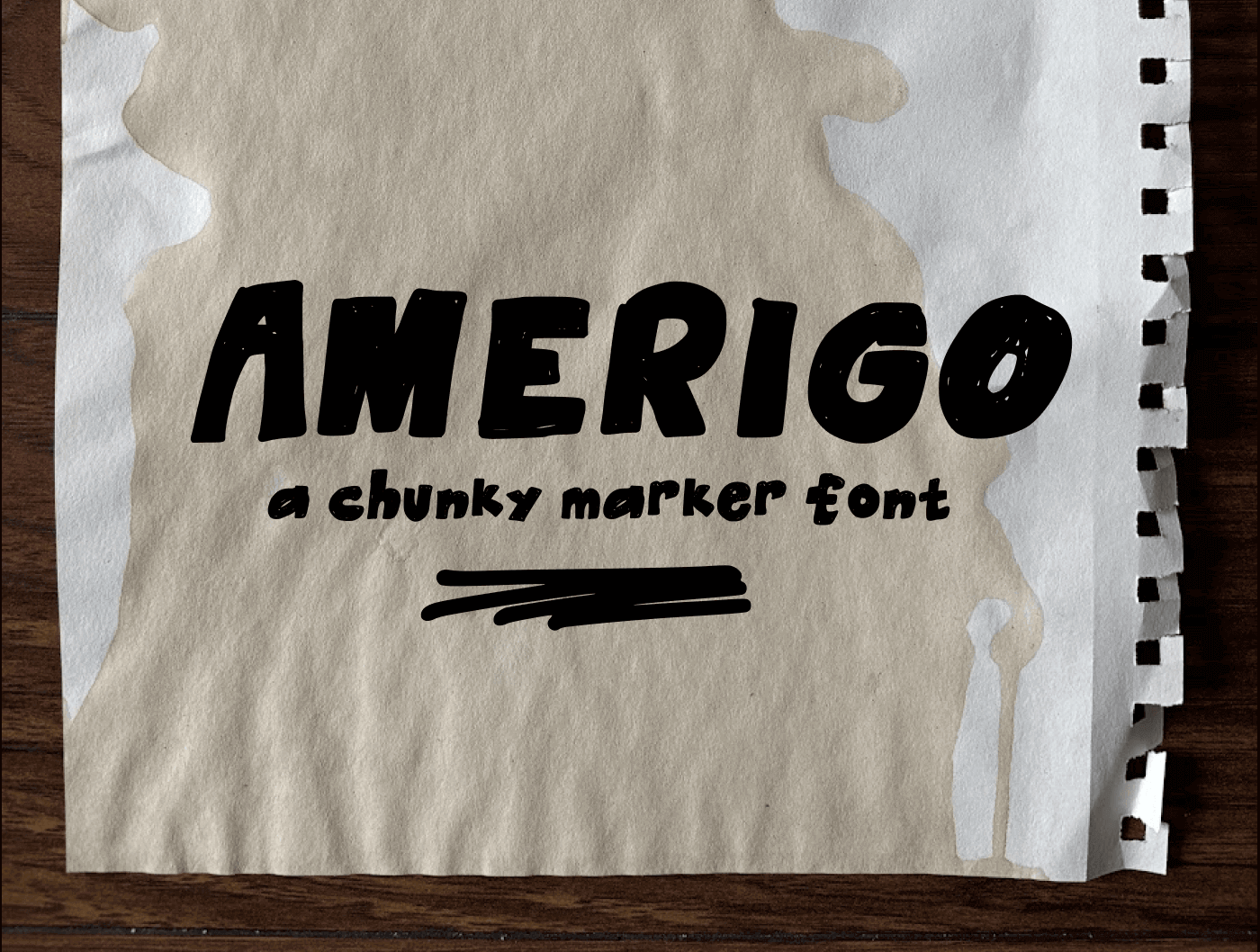
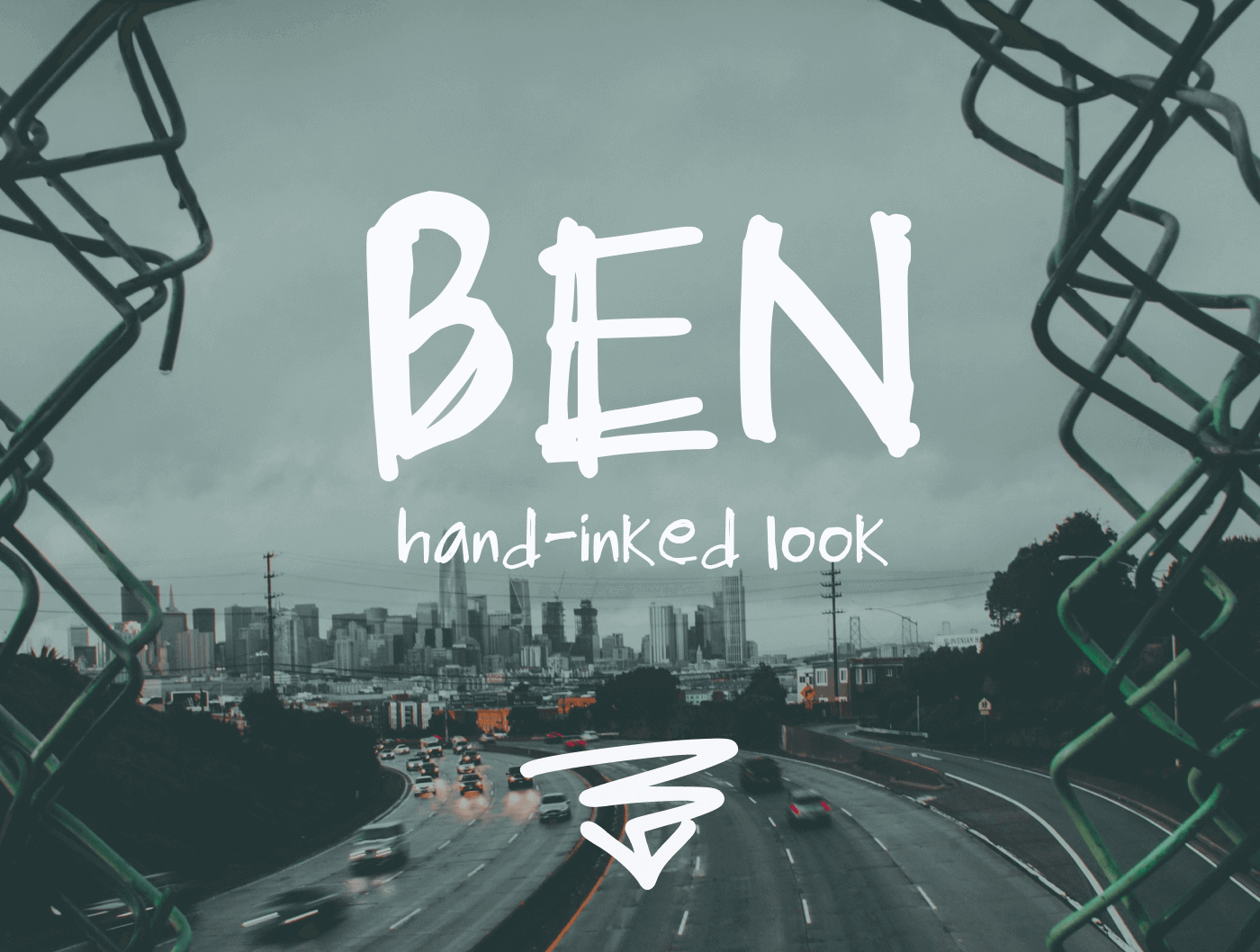
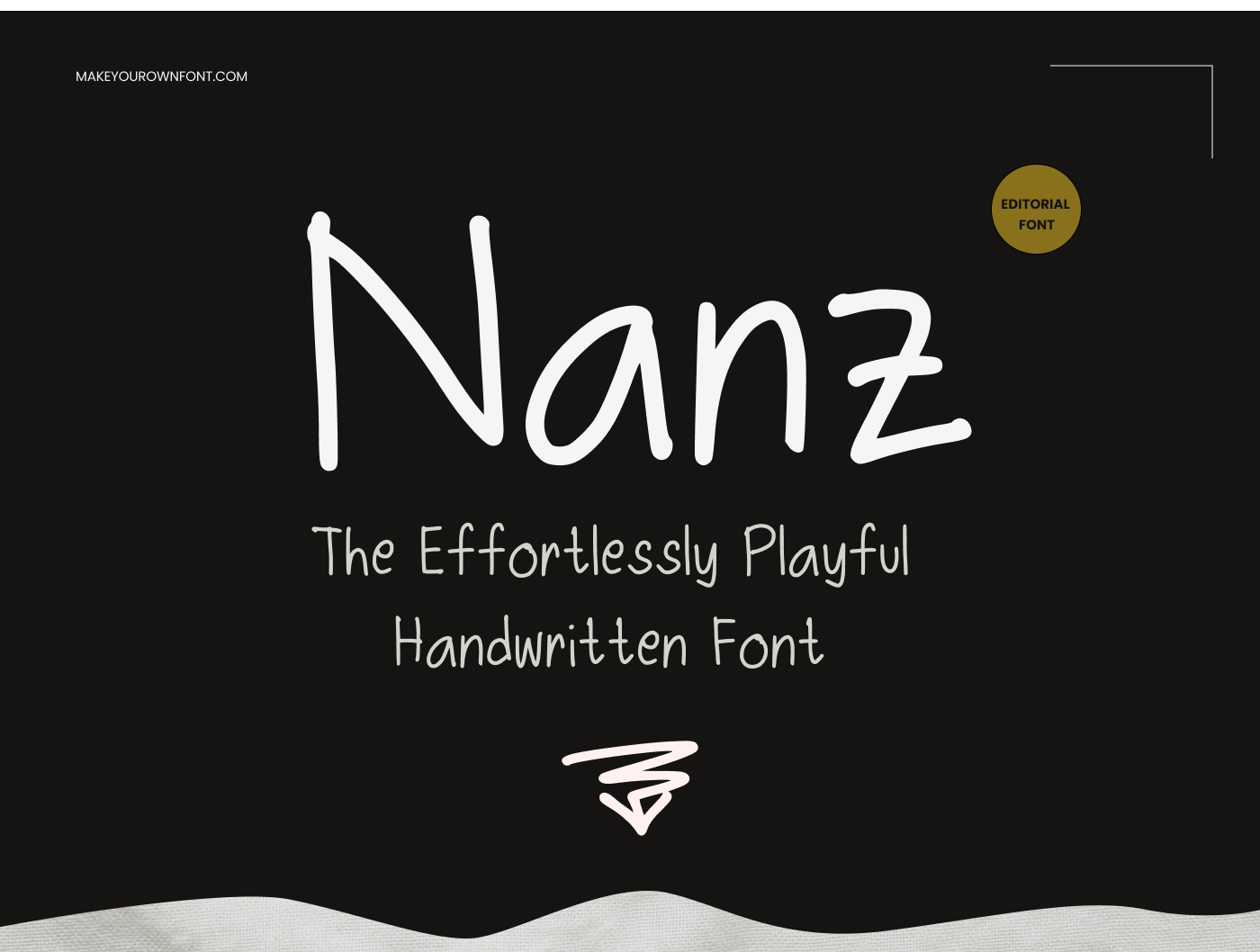
See examples of fonts created with MakeYourOwnFont.

Signature font maker FAQ
What is a signature font maker?
A signature font maker helps you create a personal signature-style mark or continue into a full handwriting font workflow. This page lets you draw a signature first, then move into Studio when you want a complete installable font.
Does this page automatically turn my signature into a TTF font?
No. The signature drawing on this page is a browser preview image. To create a real installable TTF font, continue into Studio and draw the letters, numbers, and punctuation you want in your font.
Can I make a complete font from my handwriting?
Yes. Use the Studio to draw individual glyphs and build a real font file you can install and use in design apps that support custom fonts.
Is this a legal e-signature tool?
No. This is a creative typography tool for designing a signature-style look. It is not an electronic-signature, identity verification, or document-signing service.